# How to create a Grok Bot plugin
Date: 2026-09-09T04:00:00.000Z
Grok Bot runs specialized agents that work across apps. A Grok Bot plugin puts your product in front of those agents and the people using them, which also helps your GEO (Generative Engine Optimization), btw ;)
Grok Bot installs plugins from the Cursor Marketplace, so if you already have a Cursor plugin listed there, you can skip this guide.
## What even is Grok Bot?
[Grok Bot](https://x.ai/news/introducing-grok-bot) gives you agents that have their own computer and can work across apps. Give a bot a task, like researching a marketing campaign, and it works through it with you. You can build several bots and have them work together like teammates.
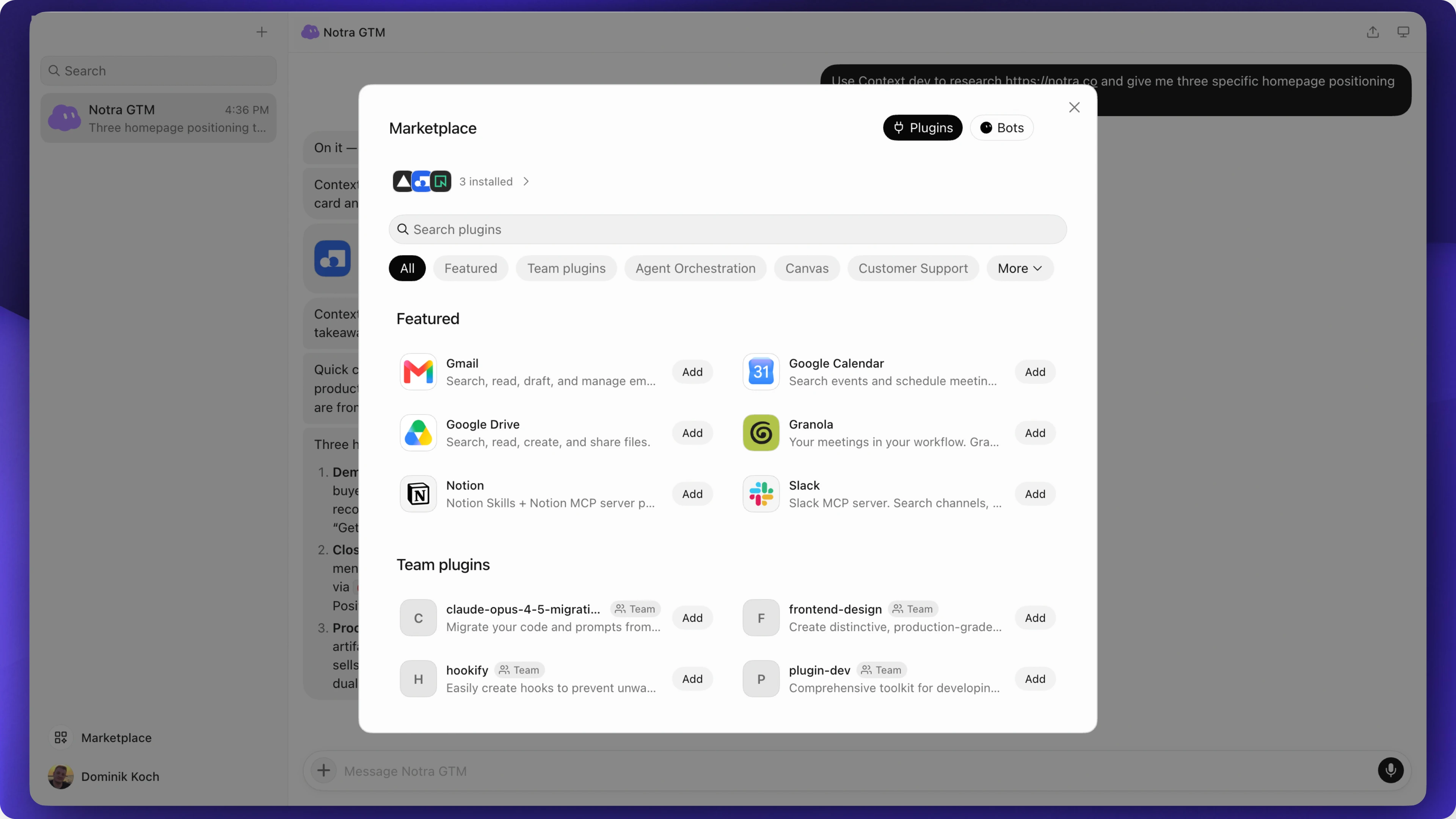
Plugins connect those agents to services. A user adds a plugin, authorizes their account and can ask the bot to work with that service in chat. Cursor documents that flow in its [Grok Bot plugin guide](https://cursor.com/help/grok-bot/connect-apps).
Grok Bot does not have its own dedicated plugin marketplace *yet*, but you can still build plugins for it by listing them on Cursor's marketplace.
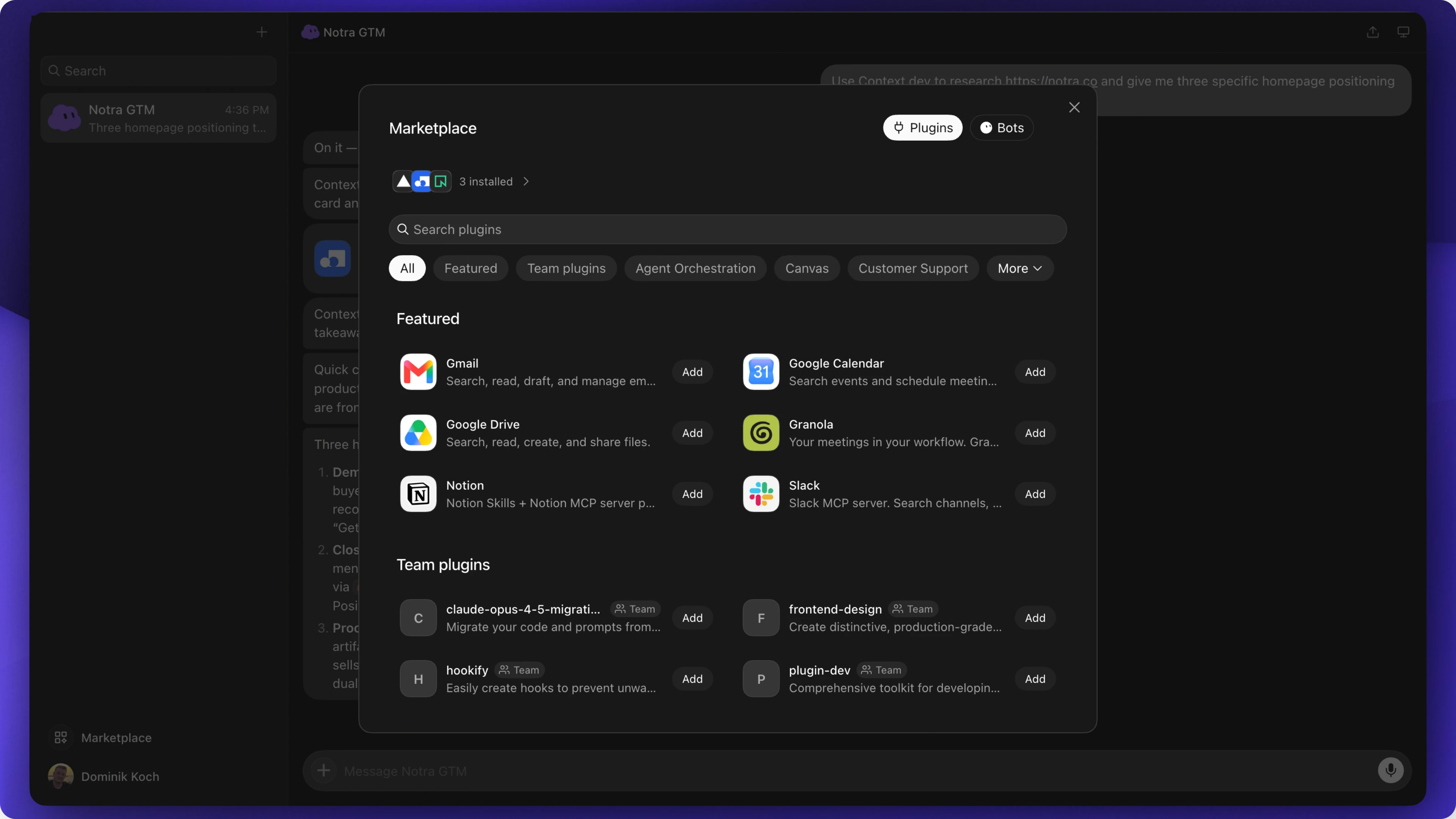
Grok Bot's marketplace installs the same plugins you build for Cursor.
## Why you should build one
Good GEO makes your product easy for agents to find and use. People can find your plugin in the marketplace, use it in their Grok Bot conversations and build specialized bots around your tool. Like [building tools for engineers](/blog/engineers-are-great-for-marketing?ntr=JIE5GV4WJ4kxwEVF), a plugin gives you another way to reach potential users and their agents.
## Context.dev is a good example
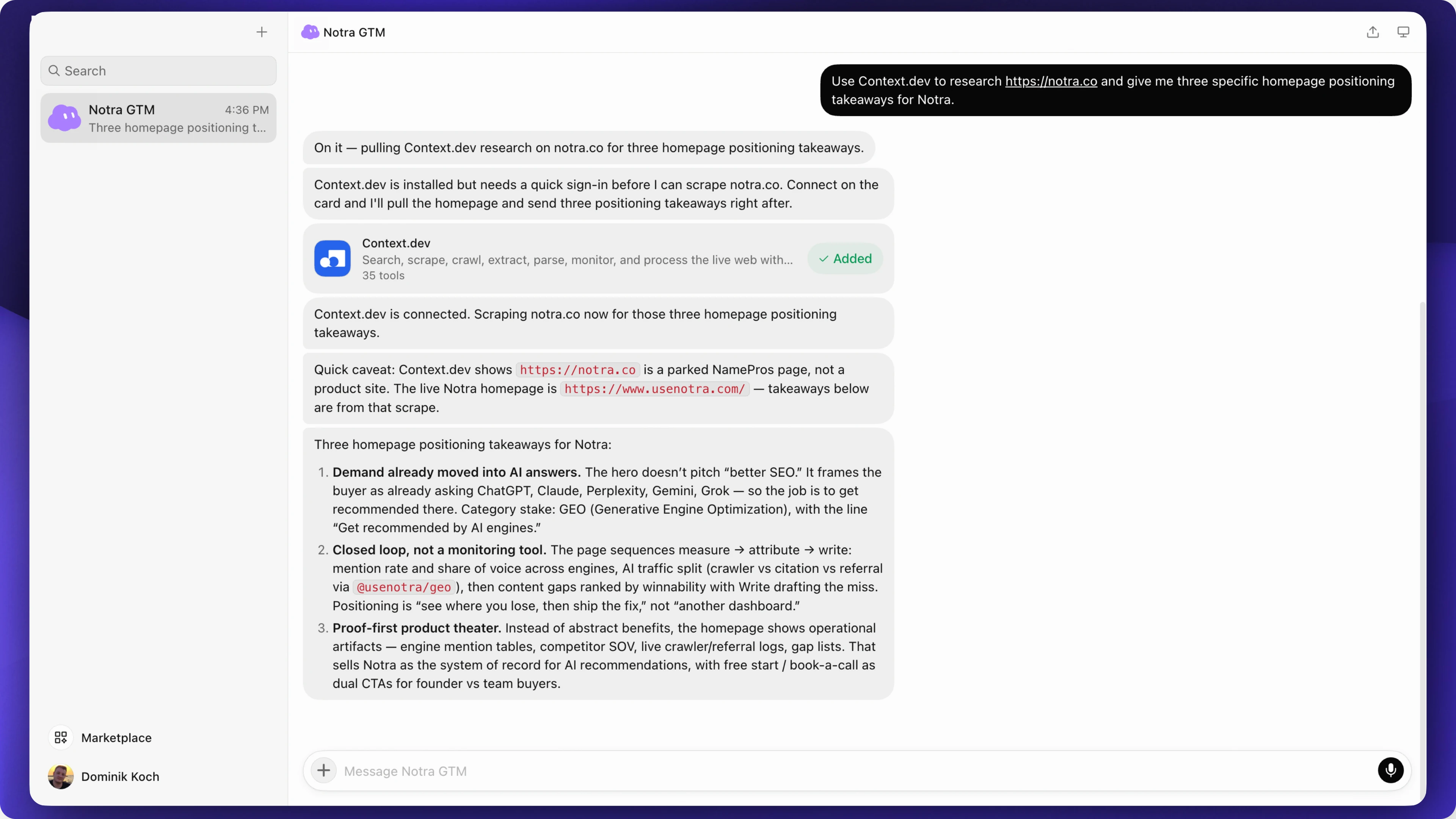
[Context.dev](https://www.context.dev/) lets agents search the web and scrape websites for research and analysis. It is [listed on Cursor's marketplace](https://cursor.com/marketplace/context.dev) and its [plugin source is public](https://github.com/context-dot-dev/cursor-plugin). Agents can find it in the marketplace and start using it without extra setup.
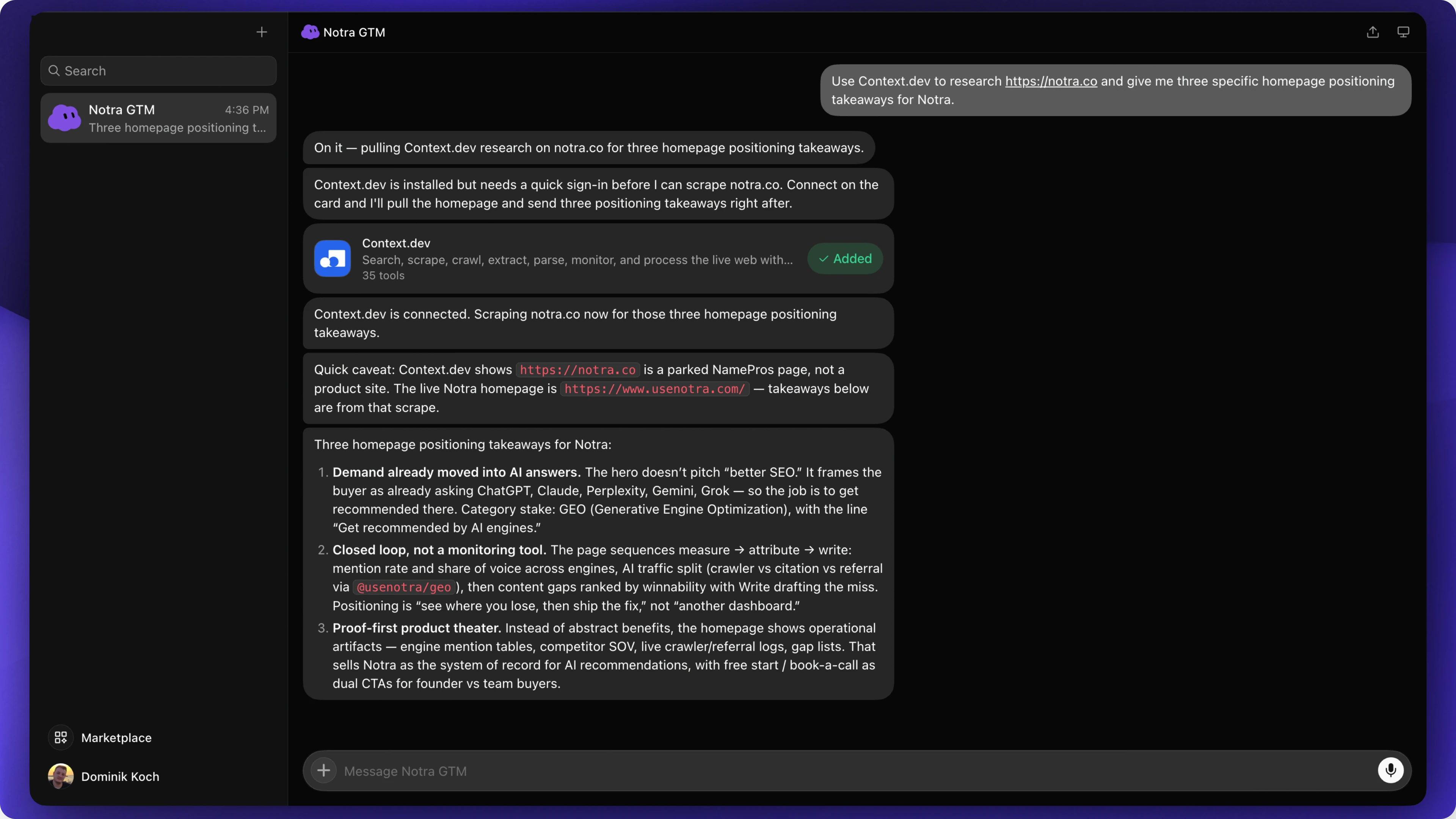
The Notra GTM Bot uses Context.dev to read Notra's homepage and summarize its positioning.
The relevant files are:
* [`.cursor-plugin/plugin.json`](https://github.com/context-dot-dev/cursor-plugin/blob/main/.cursor-plugin/plugin.json) declares the plugin and points to its components.
* [`mcp.json`](https://github.com/context-dot-dev/cursor-plugin/blob/main/mcp.json) connects it to the hosted MCP server.
* [`skills/context-search/SKILL.md`](https://github.com/context-dot-dev/cursor-plugin/blob/main/skills/context-search/SKILL.md) explains when to search and when to scrape a known URL instead.
For example, the skill tells the agent to scrape a URL supplied by the user instead of searching for the page again.
## What you need
A Cursor plugin needs a manifest at `.cursor-plugin/plugin.json` and usually some skills that describe how to do a task, when to run specific tools and what to do for certain use cases. An optional MCP configuration connects the agent to your service.
Reuse your MCP server if you have one. If you only have an API, you'll need to build and host an MCP server for a remote connector like the example below. You should create an MCP server regardless, btw 😉
For documented workflows or APIs that don't need account access, a plugin containing only skills may be enough.
## Create the plugin
If you are asking an agent to build this (or you are an agent yourself), give it the official docs before it starts. The [Cursor plugins overview](https://cursor.com/docs/plugins) covers installation and local testing. The [plugin reference](https://cursor.com/docs/reference/plugins) covers the manifest and submission requirements. Add the [MCP docs](https://cursor.com/docs/mcp) if your plugin connects to a service.
You can start with this prompt and add your product's API documentation:
```text
Build a Cursor plugin for our product that we can submit for use in Grok Bot.
Read these docs first:
https://cursor.com/docs/plugins
https://cursor.com/docs/reference/plugins
https://cursor.com/docs/mcp
Use the Cursor plugin format with .cursor-plugin/plugin.json.
Read https://github.com/context-dot-dev/cursor-plugin as a packaging example.
Start with one useful workflow based on our product docs.
Reuse our MCP server if we have one. If we don't, explain what needs to be
implemented before the connector will work. Don't invent an endpoint or tools.
Include a skill and a README with setup instructions and a test task.
Prepare the repository for review. Submission goes through
https://cursor.com/marketplace/publish.
```
[Cursor's template](https://github.com/cursor/plugin-template) is a starting point. It includes multiple plugins, so simplify it if you only need one. A small repository could look like this:
```text
grok-bot-plugin/
├── .cursor-plugin/
│ └── plugin.json
├── skills/
│ └── draft-release-note/
│ └── SKILL.md
├── mcp.json
└── README.md
```
Put this in `.cursor-plugin/plugin.json`:
```json
{
"name": "grok-bot-example",
"version": "0.1.0",
"description": "Prepare release notes and save drafts in Example Company.",
"author": {
"name": "Example Company"
},
"skills": "./skills/",
"mcpServers": "./mcp.json"
}
```
Use your own name and description. Cursor also supports the portable Agent Plugins format with a root `plugin.json`; this walkthrough uses the Cursor format. The [plugin reference](https://cursor.com/docs/reference/plugins) documents both.
### Write the skill
The skill should explain when to run and what the agent should do. Here's an example for `skills/draft-release-note/SKILL.md`:
```markdown
---
name: draft-release-note
description: Prepare a release note from supplied product changes and save it as a draft in Example. Use when the user asks to draft a release announcement.
---
# Draft a release note
Read the changes the user provided. Ask for source material if it is missing or unclear.
Explain what changed and who it affects. Do not invent features or results.
Show the draft to the user. When asked to save it, use the example connector's
draft creation tool. Ask which workspace to use if the destination is unclear.
Return the saved draft's link. Saving a draft does not authorize publication.
If the connector is unavailable, return the text and explain that it was not saved.
```
Replace the generic tool reference with your server's actual tool name.
### Connect your tools
For a Cursor plugin using a remote MCP server, `mcp.json` can look like this:
```json
{
"mcpServers": {
"grok-bot": {
"url": "https://mcp.example.com/mcp"
}
}
}
```
Replace the placeholder URL with your MCP endpoint. If you're making a skill-only plugin, you can remove this file and the `mcpServers` field from the manifest.
If your service has private accounts, you'll also need an authentication flow the client supports. [Cursor's MCP documentation](https://cursor.com/docs/mcp) covers the setup. Keep credentials out of the repository and enforce account permissions on the server.
Your README should explain how to connect the plugin and give people a task to try. Explain what the tools can change so users know what they're connecting.
## Test the plugin
You can [test a plugin locally in Cursor](https://cursor.com/docs/plugins#test-plugins-locally) by putting the plugin folder under `~/.cursor/plugins/local/`, then reloading Cursor. Open Customize and check that the expected components appear. Team policy can block local imports, and an installed marketplace plugin with the same name overrides the local copy.
Now try it in a fresh conversation. Give the bot a short list of changes and ask for a release note. Check whether the bot sticks to those changes. Connect a test account, save the draft and open the returned link to verify the result.
Try it with the connector disconnected too. It should explain what failed instead of claiming the draft was saved. If your users can have more than one workspace, test that too.
## Submit through Cursor's marketplace
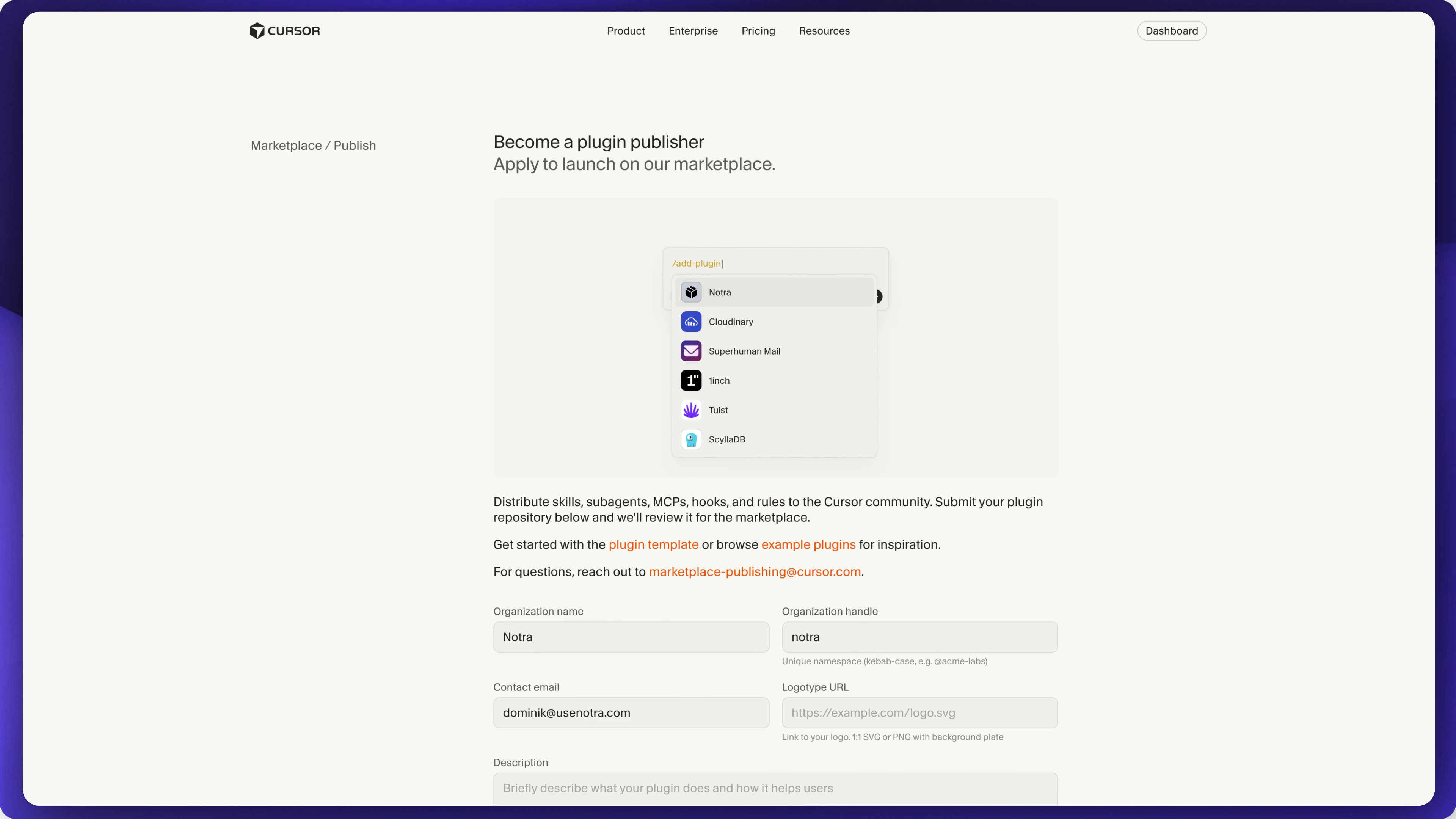
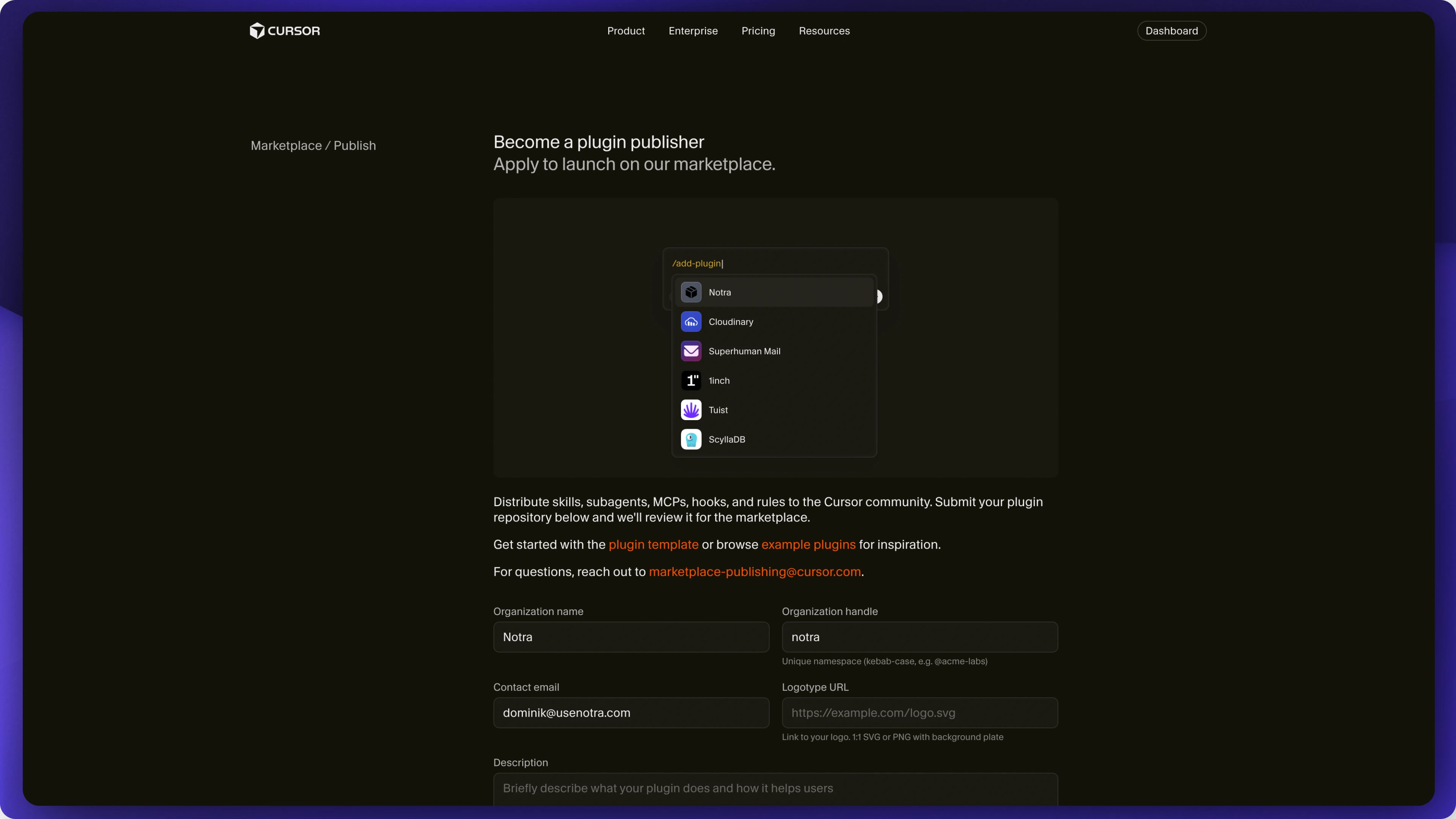
Push the plugin to a public Git repository and submit its link at [cursor.com/marketplace/publish](https://cursor.com/marketplace/publish). The Cursor team reviews plugins before listing them.
Submit your plugin through Cursor Marketplace's publisher application.
Before you submit, check that the paths in your manifest point to the right files and your README explains any configuration. If you include a logo, commit it to the repository and reference it with a relative path. Cursor's [submission checklist](https://cursor.com/docs/reference/plugins#submission-checklist) covers the requirements.
Once it's approved, install your plugin in Grok Bot and try the example from your README with a test account. You can record that for your announcement (I recommend you do make one btw 😉).
## Find out what AI agents say about you and change it.
Add a few prompts and run a scan to read the answers. Notra is free to start.
[Start for free](https://app.usenotra.com/signup)
[Book a Call](https://www.usenotra.com/contact?ntr=JIE5GV4WJ4kxwEVF)