# Introducing Notra Sites: Mintlify for your blog
Date: 2026-11-02T16:00:00.000Z
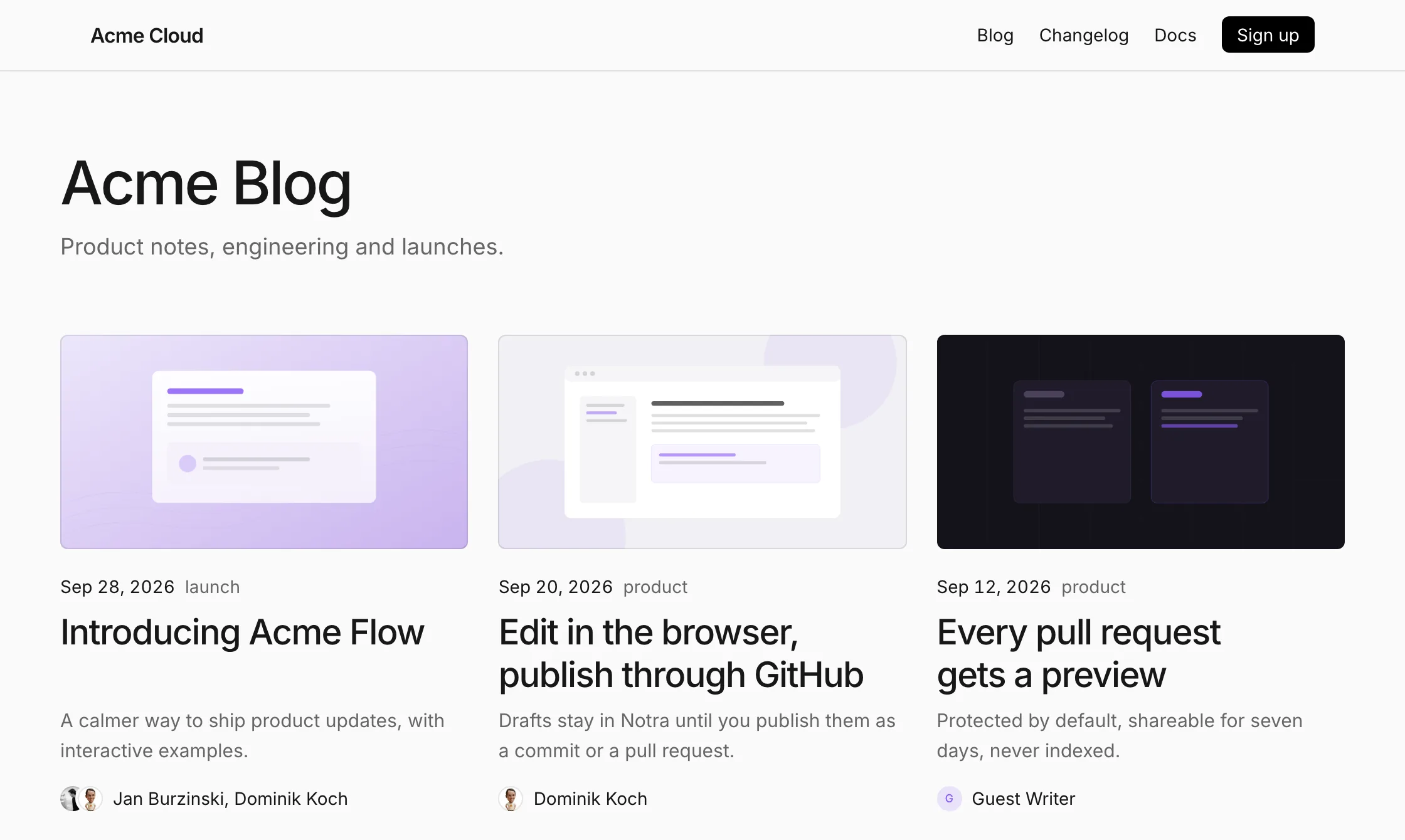
A blog on Notra Sites, built from a folder of MDX files.
Most company blogs start the same way. Someone adds an MDX folder to the marketing site, a route and a layout, and the first post goes out. Then a shared link shows up on X without a preview image, so you add OG images. Then a sitemap, an RSS feed, structured data and a 404 page that isn't your homepage. Now AI agents read the web too, so you also need an `llms.txt` and a Markdown version of every page.
None of that is hard, but every hour on it is an hour you didn't spend writing. We know because we built all of it for this blog, piece by piece. We'd rather nobody had to do that again.
So today we're launching **Notra Sites**. Think of it as Mintlify for your blog. You write the post. Notra builds, hosts and serves it on `blog.acme.com` or under `acme.com/blog`, and everything around it is already done, from the OG image to the Markdown files that AI agents read. It's live for every workspace today and free for one site.
## Push to GitHub, and your post is live
Your repository is the source of truth. Posts live in `blog/` and changelog entries in `changelog/`, and every push to your production branch goes live. Every pull request gets its own preview link and a check on GitHub, so you review a post the same way you review code.
Each build runs on the exact commit in an isolated sandbox with no network access and no secrets, and usually finishes in seconds. Notra uploads the finished files, checks them and switches them live in one step. If a deploy turns out wrong, you can restore an earlier one from the dashboard without rebuilding.
To see a post before you push, run `npx notra@latest dev` in the site folder. It renders the post the same way the hosted site does.
## Readable by search engines and AI agents
We cared about this part the most, because it's what Notra is about. More and more of your readers are not people. ChatGPT, Claude and Perplexity fetch pages to answer questions, and coding agents read blogs and changelogs before they pick a library. If all they get is navigation markup and scripts, they have to guess what the page says.
So every page on a Notra site also exists as Markdown. Agents add `.md` to the URL or ask for it with an `Accept` header, and people still get the regular page:
The Markdown version names the HTML page as its canonical URL and isn't indexed, so it never competes with the page in search results.
Every deploy also writes the files that crawlers look for:
* a sitemap and an RSS feed for each section
* a `robots.txt` that allows GPTBot, ClaudeBot and PerplexityBot
* an `llms.txt` that summarizes every post and tells agents how to cite you
Every page also includes schema.org data, `BlogPosting` for posts and `TechArticle` for changelog entries, and every post gets a generated OG image. Previews and drafts are never indexed. Once your own domain is the primary address, your `notra.site` address isn't indexed either, so search results never show the same post twice.
Because the site runs on Notra, you can also see who reads it. The site's Analytics page shows people, time on page and AI agents. Visitors who arrive from ChatGPT or Claude show up on your GEO Traffic page, next to the scans that show how AI answers mention you.
## On your domain, or under /blog
Every site gets a free address at `acme.notra.site`. To use a subdomain like `blog.acme.com`, add one CNAME record, and Notra issues the certificate for you. If you'd rather keep the blog on your main site, serve it from `acme.com/blog` with a rewrite. There are guides for Vercel, Next.js, TanStack Start, Astro, Netlify, Cloudflare, Framer, CloudFront and nginx. The dashboard can also write a prompt that you paste into Claude Code, Cursor or Codex to set up the rewrite for you.
## Looks like the rest of your website
If you import a repository without any configuration, Notra reads your brand identity and website and opens a starter pull request. It adds your logo, colors and navigation, a header, a footer and a first post. Merge it, and the blog already looks like your site.
After that, everything lives in one `blog.json` file, or in the Design tab if you'd rather not edit JSON:
```json
{
"$schema": "https://usenotra.com/schemas/blog.json",
"name": "Acme",
"colors": { "primary": "#0D9373" },
"blog": { "title": "Acme Blog", "layout": "magazine" },
"changelog": { "title": "What's new", "layout": "timeline" }
}
```
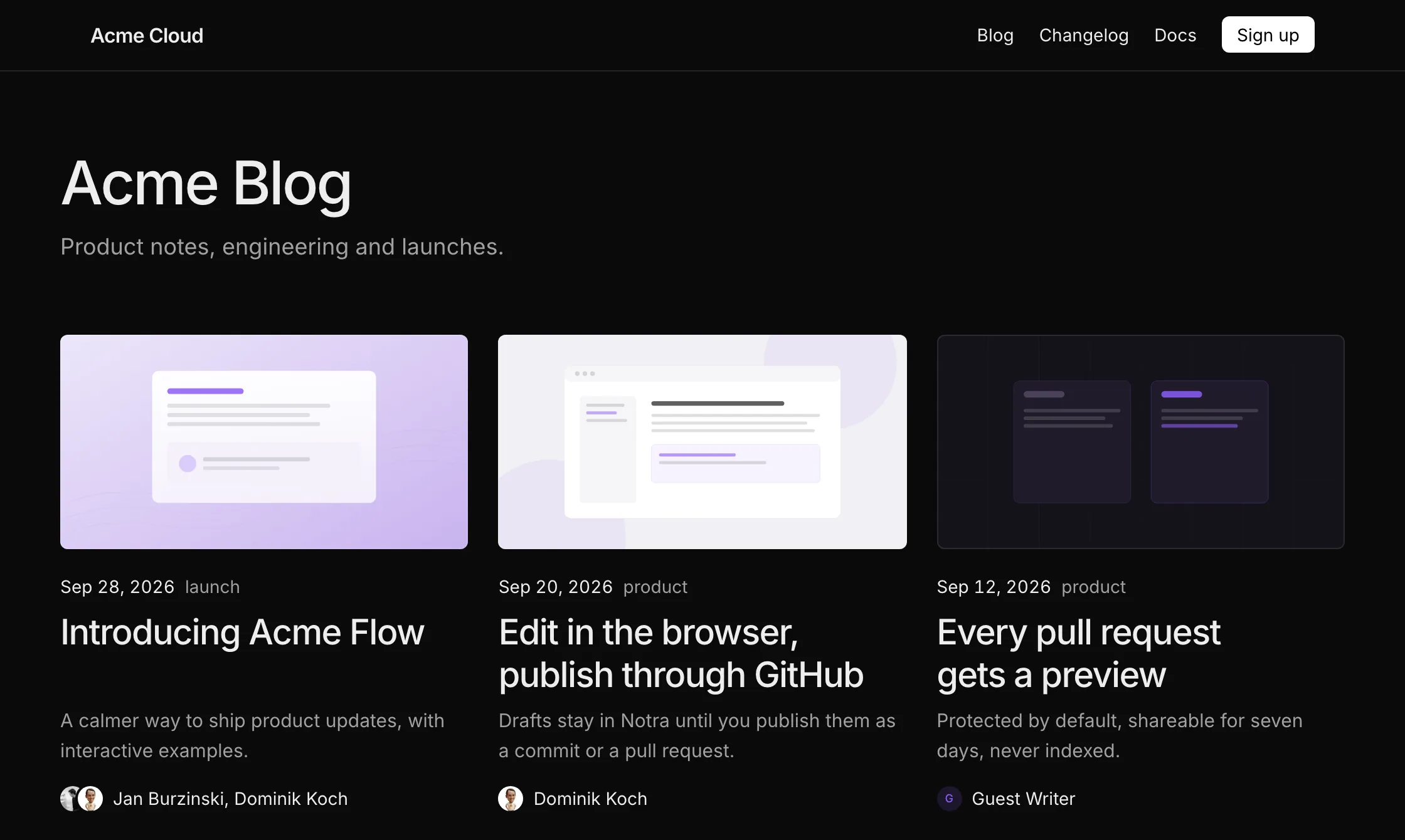
The blog index comes in grid, list, magazine and cards layouts, and the changelog in timeline, cards and compact. Google Fonts are downloaded at build time and served from your site, so visitors never make requests to Google. If you need more control, add your own `header.mdx`, `footer.mdx`, CSS or React components.
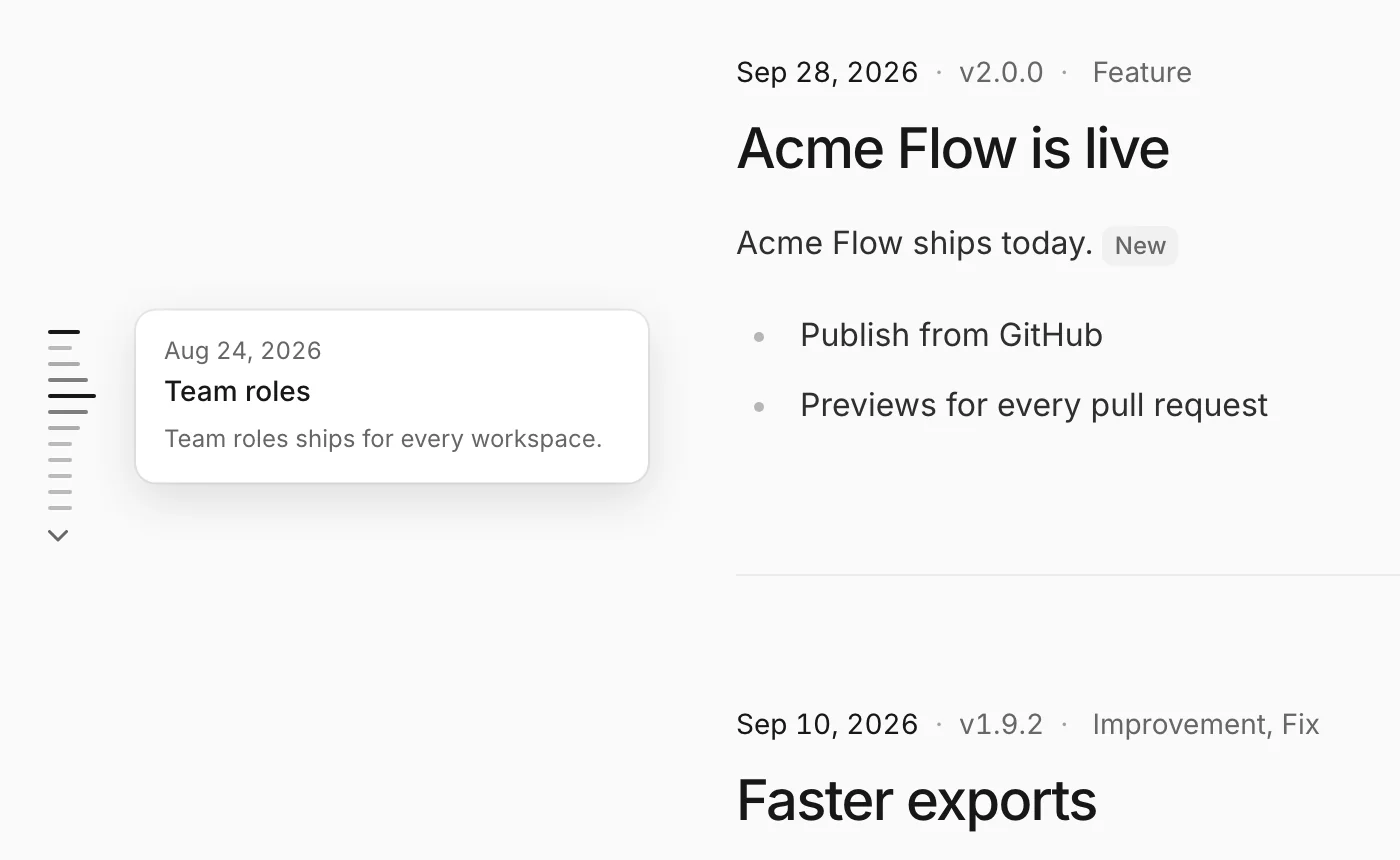
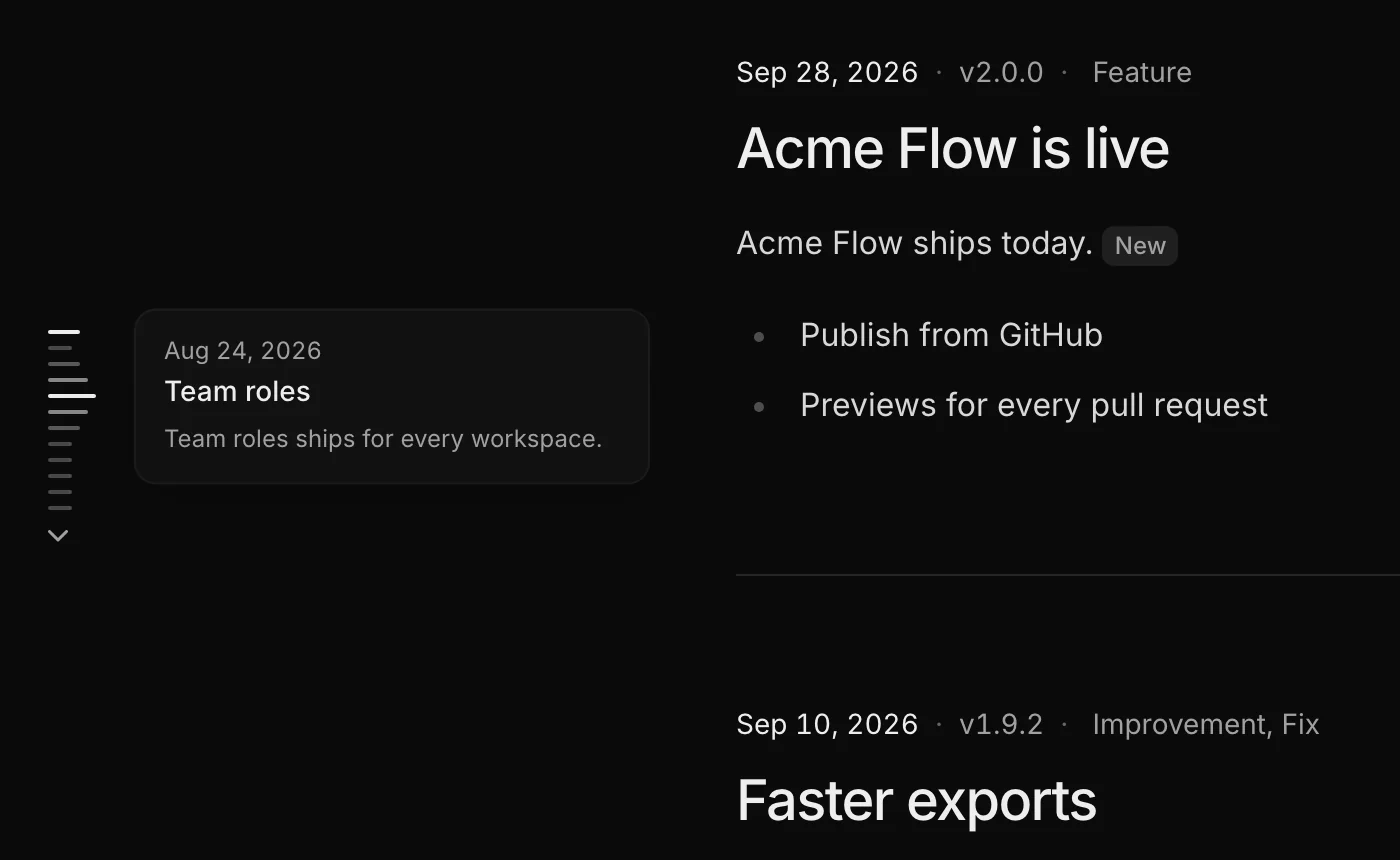
On wide screens, the timeline changelog shows a line for every entry. Hover a line to preview the entry, or click it to jump there.
## Analytics and cookie consent with Databuddy and c15t
Sites support Databuddy, Google Analytics, PostHog, Plausible and Umami. Paste your ID in the site's Integrations tab, and Notra adds the provider's script to every live page and the hosts it needs to your Content Security Policy. You never touch a script tag.
Two of them come from teams we work closely with.
[Databuddy](https://www.databuddy.cc) is cookieless product analytics. With one client ID, a Notra site sends page views, web vitals, errors and outgoing link clicks to Databuddy, and you can turn on session replay with text masked by default.
[c15t](https://c15t.com) is an open-source standard for cookie banners. When you turn it on, your site gets a consent banner and a privacy settings dialog, and analytics only loads after a visitor allows it. Visitors' choices are saved to a c15t backend you control, either an Inth project or one you host yourself, because the consent records belong to you.
In `blog.json`, both are a few lines:
```json
{
"integrations": {
"databuddy": { "clientId": "your-client-id", "trackWebVitals": true },
"c15t": { "backendURL": "https://acme.inth.app" }
}
}
```
## Too busy to write? Let Notra write it
A blog needs a place to live, and it needs posts. Most company blogs don't stall on the hosting. They stall because nobody has time to write the next post.
Writing posts is what Notra did before Sites existed. Connect GitHub, and Notra turns your pull requests, commits and releases into blog posts and changelog entries in your brand voice. Set up an automation, and a fresh draft shows up after every release or once a week, without anyone asking for it. You read it, change what you want and click Publish, and the post lands on your site as a commit or a pull request, with the frontmatter already filled in.
Hosting your first site is free. Writing posts for you is part of the [paid Notra plans](/pricing?ntr=ZyFNTYc0t9prhUft).
## Try it
Notra Sites is live for every workspace today. Paid plans remove the site and domain limits and the badge.
Import a repository, merge the starter pull request and add your domain. Your first post is live in a few minutes. The [quickstart](https://www.usenotra.com/docs/sites/quickstart?ntr=ZyFNTYc0t9prhUft) walks through each step, and [AI agents and search](https://www.usenotra.com/docs/sites/agents?ntr=ZyFNTYc0t9prhUft) covers what Notra generates for crawlers.
This is the first version, and we want to hear what's missing. Tell us on [Discord](https://discord.com/invite/2qzGZDsnwB) or through our [contact page](/contact?ntr=ZyFNTYc0t9prhUft). We read every message. Happy building.
## Find out what AI agents say about you and change it.
Add a few prompts and run a scan to read the answers. Notra is free to start.
[Start for free](https://app.usenotra.com/signup)
[Book a Call](https://www.usenotra.com/contact?ntr=ZyFNTYc0t9prhUft)