> ## Documentation Index
> Fetch the complete documentation index at: https://www.usenotra.com/docs/llms.txt
> Use this file to discover all available pages before exploring further.
# Personas
> Personas are AI buyer profiles that research your category in every engine with web search during scans, so you see visibility the way a specific buyer would.
Personas are in beta.
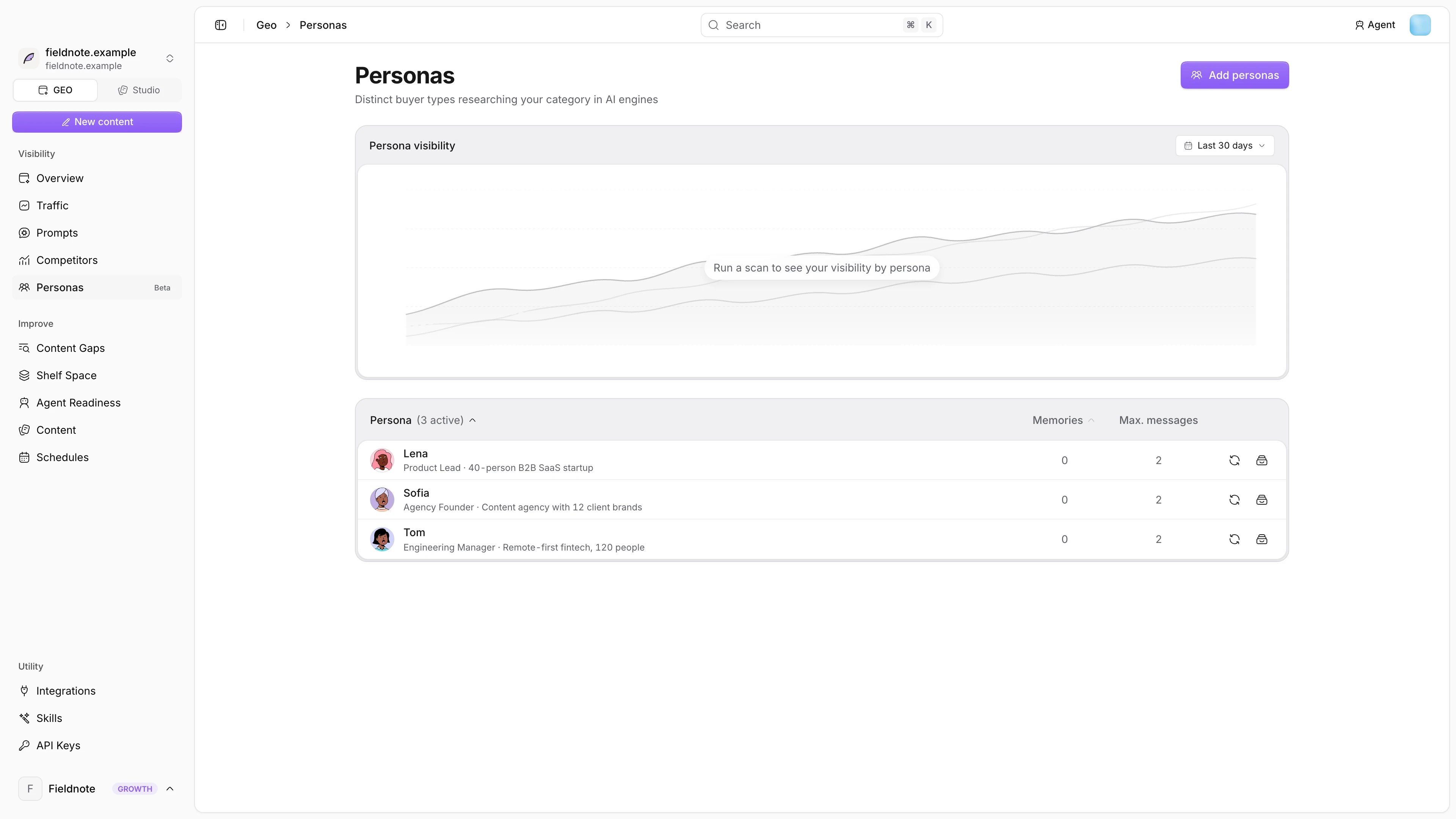
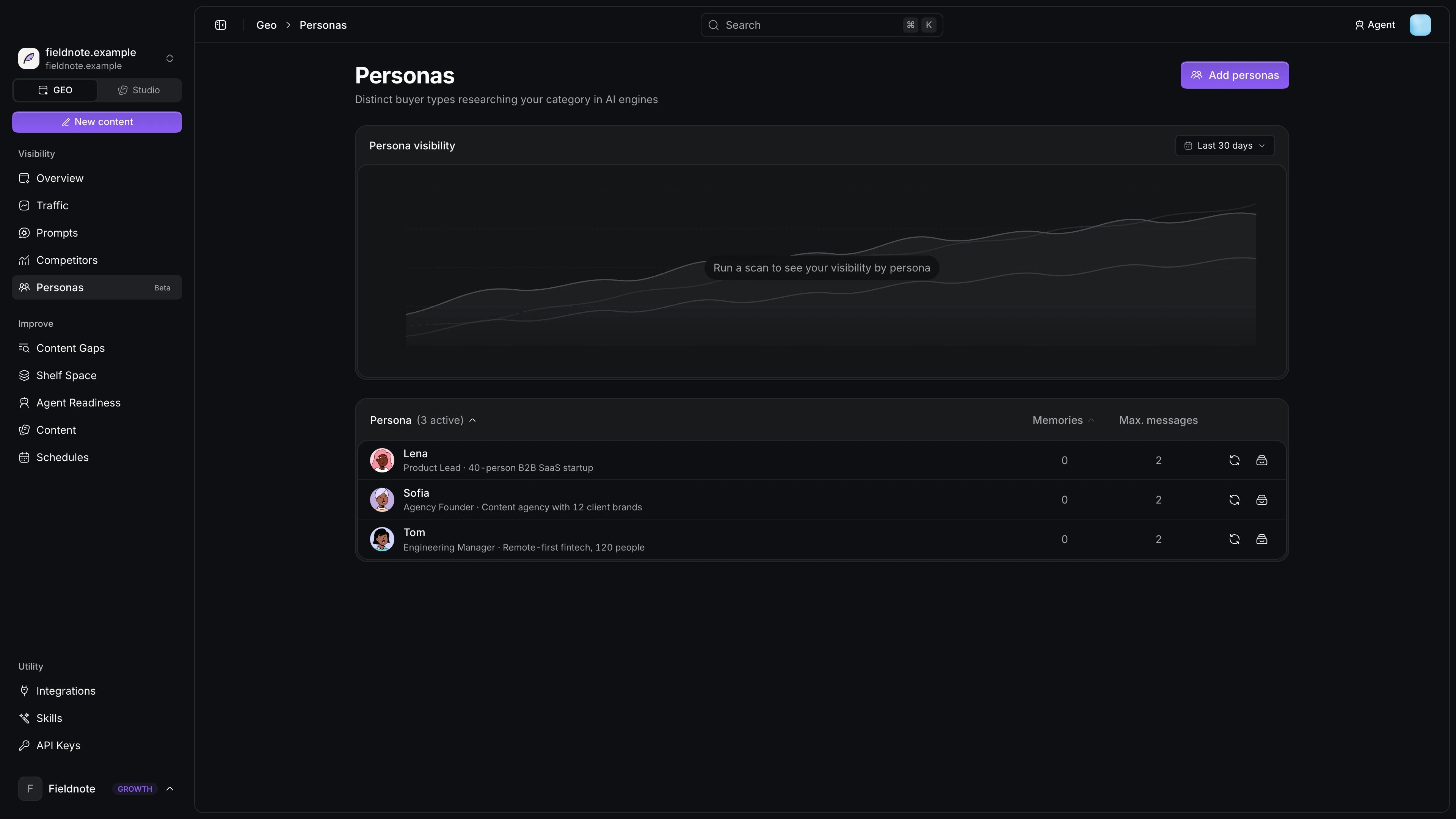 A tracked prompt is one question, while a persona is a buyer with a job title, a company, a current tool stack and objections, who has a whole conversation with each engine that has web search. The **Persona visibility** card on the Personas page shows how often you come up in those conversations, with a forecast.
## Generate personas
Notra generates a starting set of five personas from your website and audience. **Add persona** generates one more from a short description, for example "an agency founder comparing AI visibility tools for clients, with a tight budget", and Notra fills in the profile and memories.
## What a persona contains
| Section | Contents |
| - | - |
| Employment | Job title and company profile |
| Behavior | Motivations and how they search |
| Goals and pain points | What they want and what blocks them |
| Current stack | Up to six tools they already use |
| Buying triggers and objections | Why they would buy, and why not |
| Memories | Background facts, preferences and constraints |
A tracked prompt is one question, while a persona is a buyer with a job title, a company, a current tool stack and objections, who has a whole conversation with each engine that has web search. The **Persona visibility** card on the Personas page shows how often you come up in those conversations, with a forecast.
## Generate personas
Notra generates a starting set of five personas from your website and audience. **Add persona** generates one more from a short description, for example "an agency founder comparing AI visibility tools for clients, with a tight budget", and Notra fills in the profile and memories.
## What a persona contains
| Section | Contents |
| - | - |
| Employment | Job title and company profile |
| Behavior | Motivations and how they search |
| Goals and pain points | What they want and what blocks them |
| Current stack | Up to six tools they already use |
| Buying triggers and objections | Why they would buy, and why not |
| Memories | Background facts, preferences and constraints |
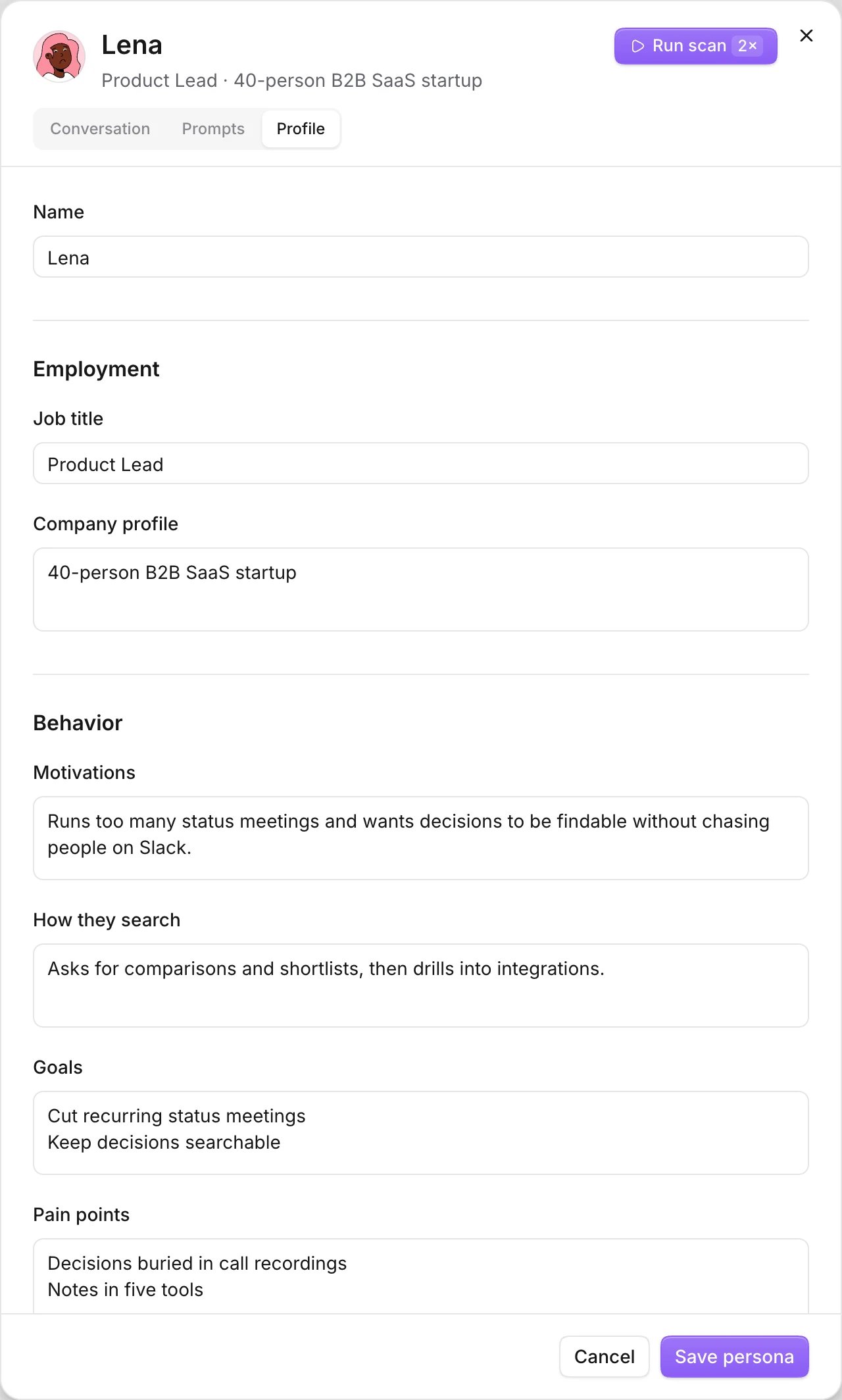
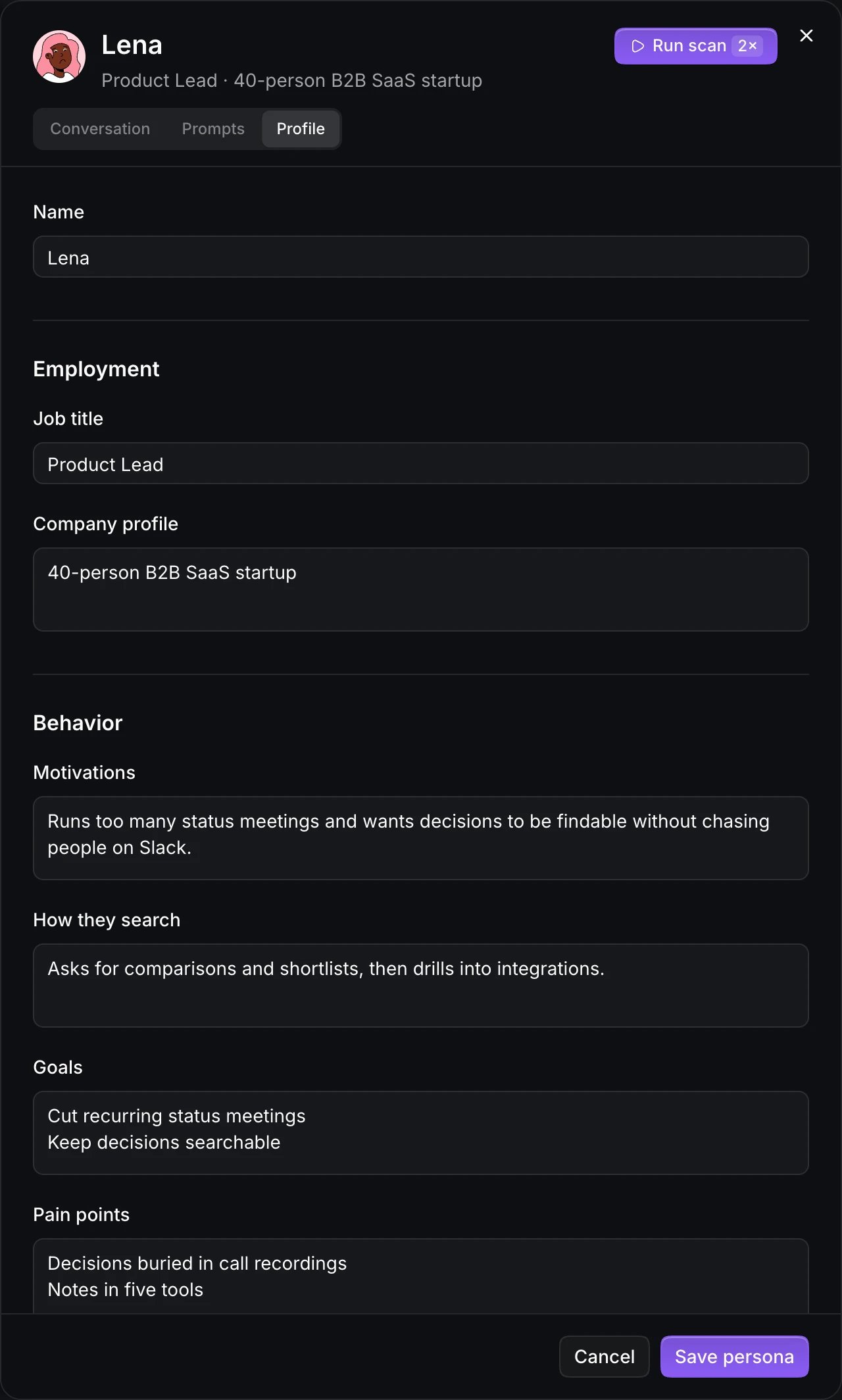 From the profile and memories Notra generates fixed **conversation prompts**. Every engine receives the same messages in the same order, so you can compare results across engines and scans. Editing a persona regenerates its prompts.
## Scans and cost
* Personas talk to every enabled engine that has web search during each scan, but only when English is one of your [languages](/docs/geo/languages). Engines labelled **No web search**, such as Grok and Cursor, don't get persona conversations. Each persona sends up to two messages per engine per scan, shown as **Max. messages**.
* Each persona answer counts as two AI answers against your quota.
* A project can have up to five active personas, so archive one before you add or reactivate another.
* **Pause scans** keeps a persona but skips it in scans, while **Archive** removes it from future scans and keeps its history.
This documentation is built and hosted on [Mintlify](https://mintlify.com), a developer documentation platform.
From the profile and memories Notra generates fixed **conversation prompts**. Every engine receives the same messages in the same order, so you can compare results across engines and scans. Editing a persona regenerates its prompts.
## Scans and cost
* Personas talk to every enabled engine that has web search during each scan, but only when English is one of your [languages](/docs/geo/languages). Engines labelled **No web search**, such as Grok and Cursor, don't get persona conversations. Each persona sends up to two messages per engine per scan, shown as **Max. messages**.
* Each persona answer counts as two AI answers against your quota.
* A project can have up to five active personas, so archive one before you add or reactivate another.
* **Pause scans** keeps a persona but skips it in scans, while **Archive** removes it from future scans and keeps its history.
This documentation is built and hosted on [Mintlify](https://mintlify.com), a developer documentation platform.