
On this page6 sections
Notra used to show only the AI side of your traffic: the crawlers reading your pages and the people who clicked through from an AI answer. Everyone else was missing, so most teams ran Plausible, Vercel Analytics or Google Analytics next to it. Now Notra counts everyone who visits. Web analytics is included in every workspace, and you set it up with one script tag.
Why we built it
People kept asking us whether AI search sends them any visitors. We couldn't really answer that, because the answer depends on numbers we didn't have: how many visitors a site gets in total, where they land, and whether someone from ChatGPT reads more than someone from Google. Those numbers sat in another tool that counted visitors its own way, so nobody ever put the two side by side.
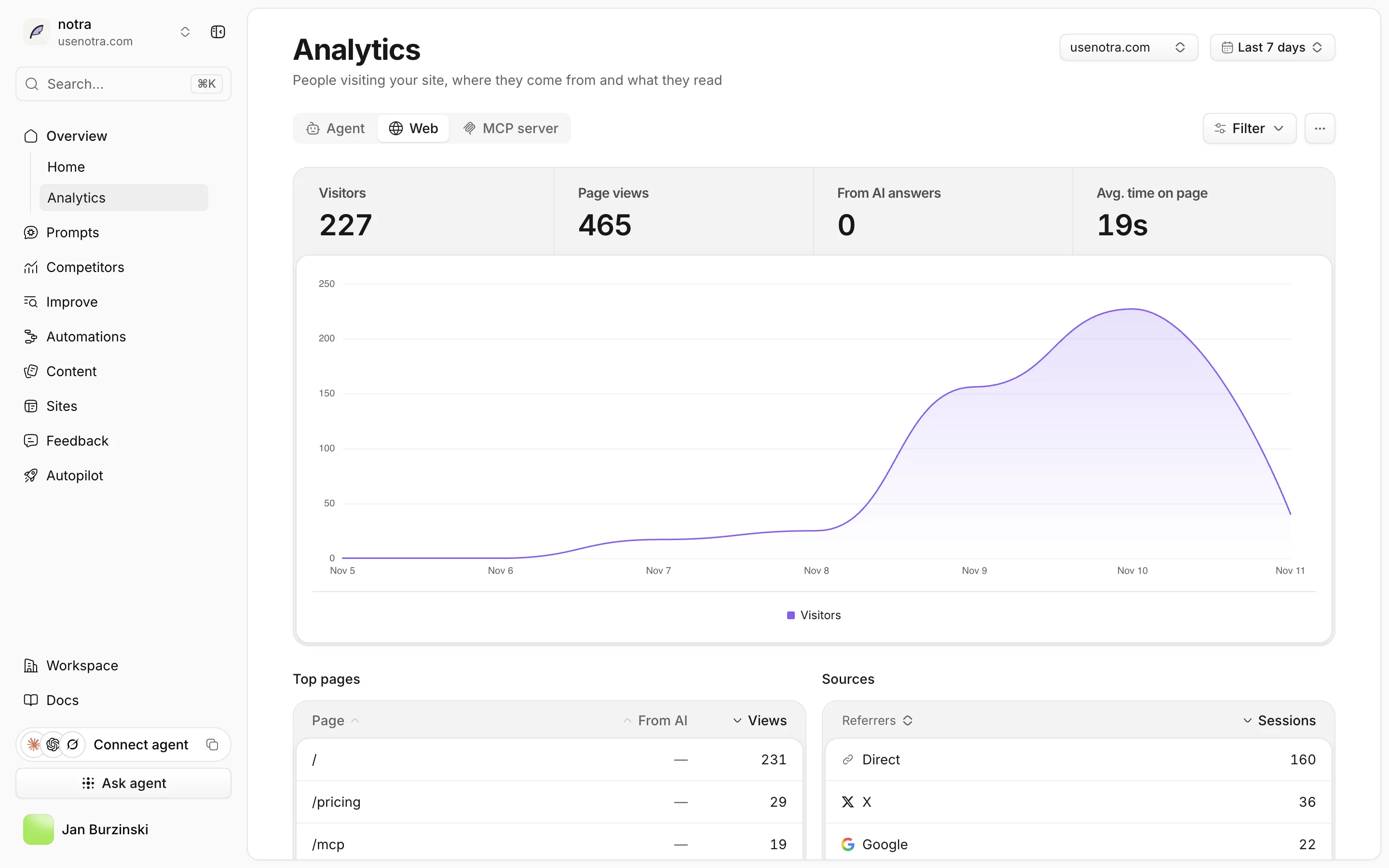
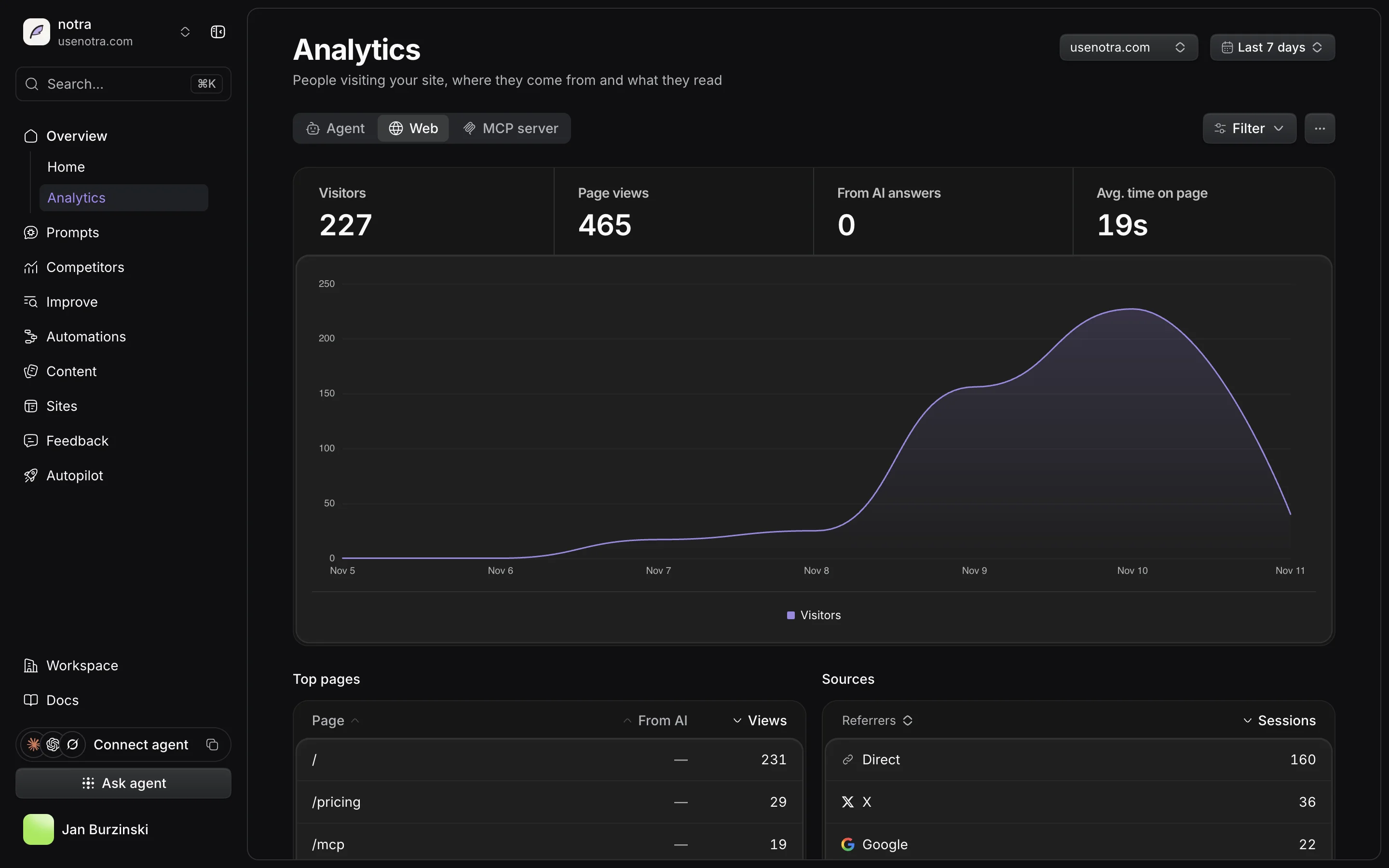
Now both live in Notra and are counted the same way. The Analytics page has an Agent tab for crawlers and AI referrals, and a Web tab for people.
What's on the Web tab
At the top are visitors, page views, visitors from AI answers and average time on page, each compared with the previous period. Below that you get:
- top pages, with a separate column for visitors who came from AI
- sources, grouped into names like Google, X, LinkedIn, ChatGPT and Perplexity, plus a view for your
utm_parameters - countries, devices and languages
- outbound links, meaning clicks that leave your site
- Core Web Vitals from real visitors, at the 75th percentile and rated with Google's thresholds
- JavaScript errors, if you turn them on
The table to look at first is "What AI visitors do". It compares people from each AI assistant with all your visitors: how many pages they open per visit and how many go on to a second page. ChatGPT might send you fewer people than Google, and this table shows you whether those people read more once they arrive.
How it works
notra.js is about 1.2 KB compressed. It sets no cookies, writes nothing to the browser's storage and doesn't fingerprint anyone. To count unique visitors, we hash the IP address and user agent with a random salt that changes every day and gets deleted after 48 hours. We never store the IP address, and we look up the country on our own servers.
We also tried hard to keep the script cheap for your pages. At startup it doesn't read layout, parse URLs or run any crypto. It sends one request when a page is viewed and one when it's hidden. Web Vitals come from the browser's own performance APIs, without an extra library. Single-page apps work without setup, including back and forward navigation.
The tag you copy from Notra loads one exact build and includes its Subresource Integrity hash. If a single byte of the file changes, the browser won't run it. Nobody can change the script on your pages, including us, until you replace the tag yourself.
Bring your old numbers
You can import your past traffic from
The same data is available through the Notra API and the MCP server, so you can ask Claude which pages people from Perplexity read this month. You can also embed your visitor chart on a public page from the "…" menu.
What's next
This is the first version, and we'll keep working on it over the next weeks.
We're also about to launch Autopilot, an agent that writes and publishes posts for you every day. It already checks whether Google indexed a post and whether the post moved your mention rate in AI answers. With web analytics, Autopilot can also see whether people read the post, where they came from and whether they went on to another page. It will use that to pick which topics to write more about and which posts need another pass.
If a number looks off or a report you need is missing, send us a note through Feedback in the dashboard.
Get started
Open Settings → Tracking, copy the script tag and paste it into the <head> of your site. In React, Next.js or Astro you can use @usenotra/sdk instead:
import { NotraAnalytics } from "@usenotra/sdk/react";

<NotraAnalytics webKey="nwk.…" />Then open the Web tab under Analytics. Your numbers show up as soon as the first visitor arrives. The web analytics docs explain every card, and the install guide covers proxies, Content-Security-Policy and the build that also reports errors.
If you run into anything, DM me on X at @miaugladiator1 or ping me on Slack.