

Start counting visitors
1
Add notra.js to your site
The
notra.js script tag counts visitors, as does @usenotra/sdk in React, Next.js and Astro, and Script tag walks you through adding it. Sites hosted with Notra Sites already load notra.js, so you can skip this step for them.2
Visit your site
Until the first page view arrives, the Web tab shows the install panel with Awaiting first page view… and switches to Receiving page views since … once your first visit arrives.
3
Import your history (optional)
To fill in the months before you installed the script, import them from Plausible, Vercel Web Analytics, Cloudflare, Rybbit or Databuddy. See Import your history.
notra.js for people and a server tracker or log drain for AI crawlers, and Notra doesn’t count anything twice.
Open web analytics
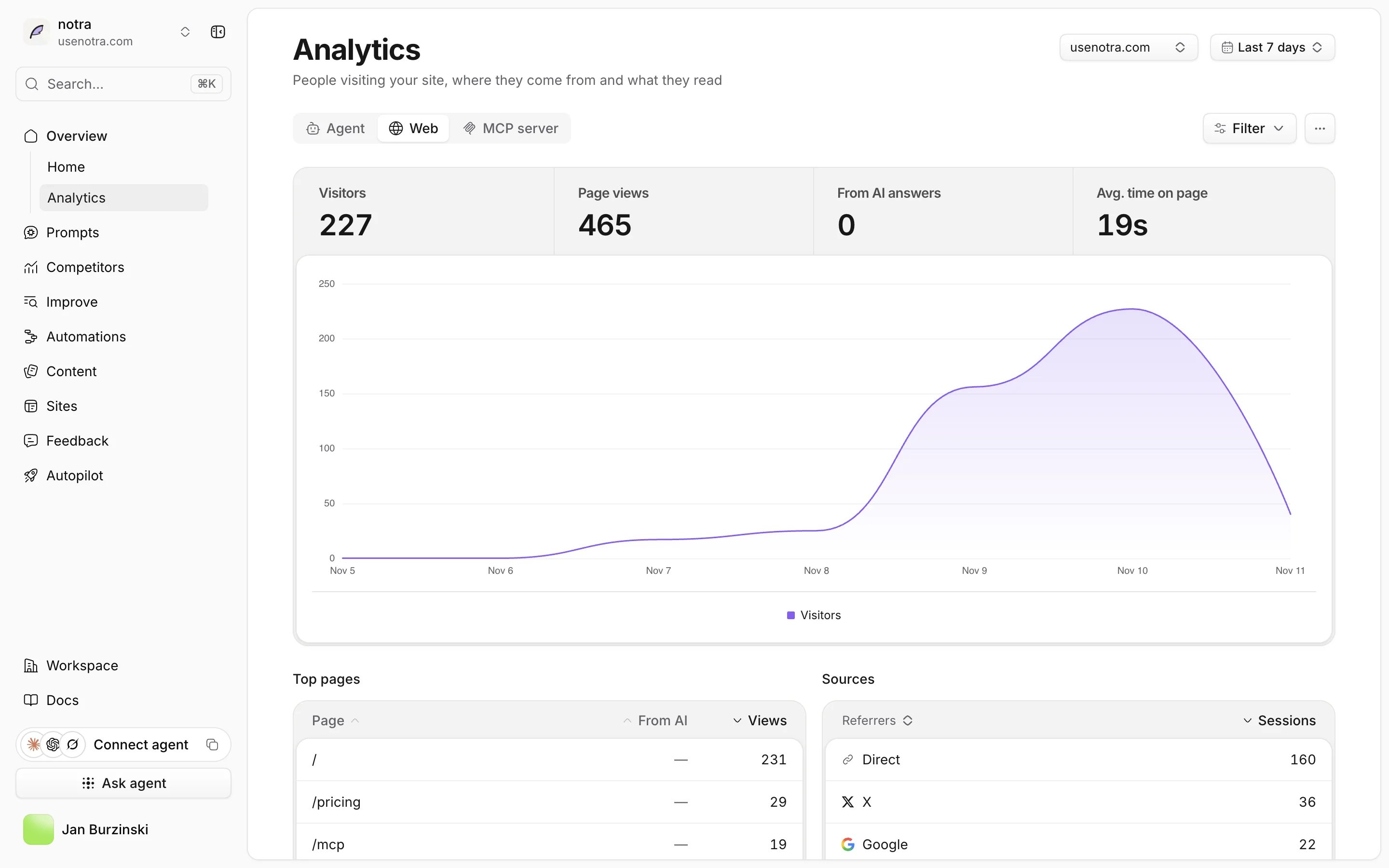
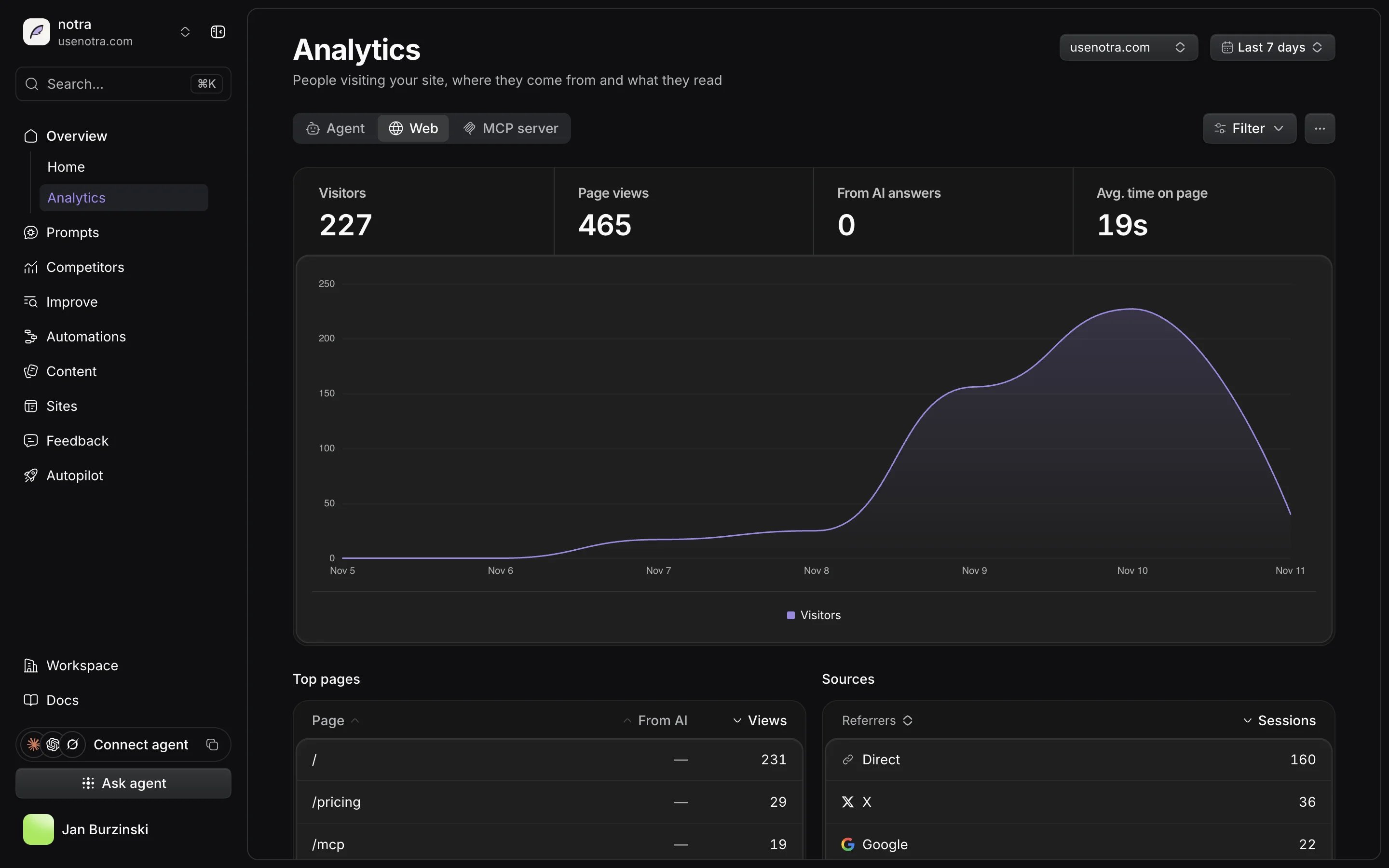
Open Analytics in the sidebar, then the Web tab. The Agent tab next to it shows AI crawlers and referrals. At the top of the page you can narrow everything below:- Date range: Today, Yesterday, Last 7 days, Last 14 days, Last 30 days (the default), Last 90 days, Year to date or a custom range of up to 366 days.
- Domain: shown when the project tracks more than one domain or has Notra Sites traffic. Pick one domain, or choose Without Notra Sites to leave your Sites out.
- Filter: pick a page to see only its visits, matched on the exact path.
Visitors and page views
The four numbers at the top compare the selected range with the previous period of the same length.
The chart below shows page views per day and draws today as unfinished until the day ends. If you imported history, a marker such as Plausible → Notra shows the first day Notra counted on its own.
Top pages and sources
Top pages lists the pages with the most views, with the visitors who came From AI in a separate column. When the project tracks more than one domain, each page shows its host. Sources shows where sessions started. Switch it between:- Referrers: the sites that linked to you, grouped into names such as Google, X, LinkedIn, ChatGPT or Perplexity. Visits without a referrer count as Direct, and visits between your own pages don’t count as a source.
- UTM parameters: the Source, Medium, Campaign, Term or Content of links tagged with
utm_parameters. Campaign, term and content values that look like an email address, an ID or a token show as:id.
Countries, devices and AI visitors
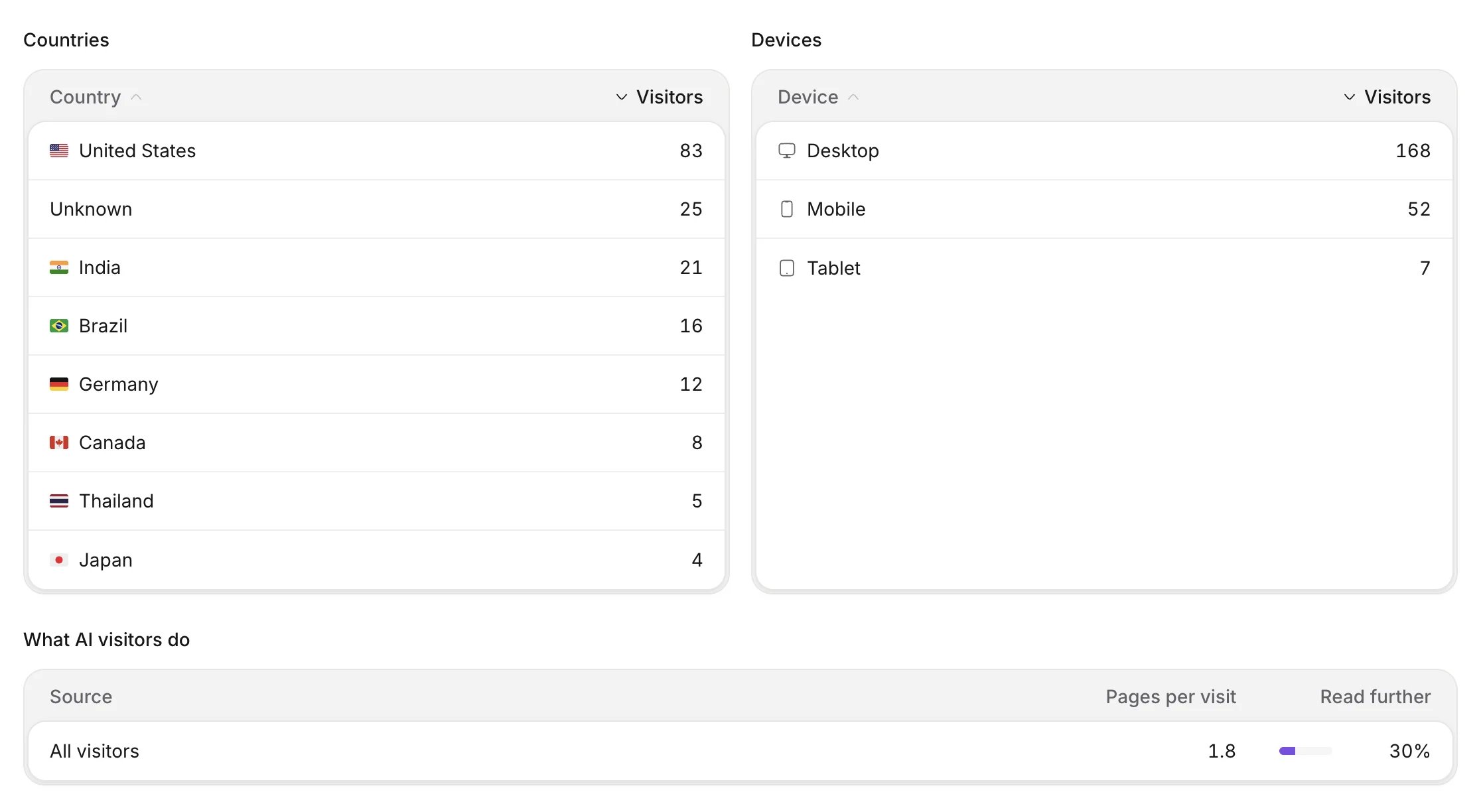
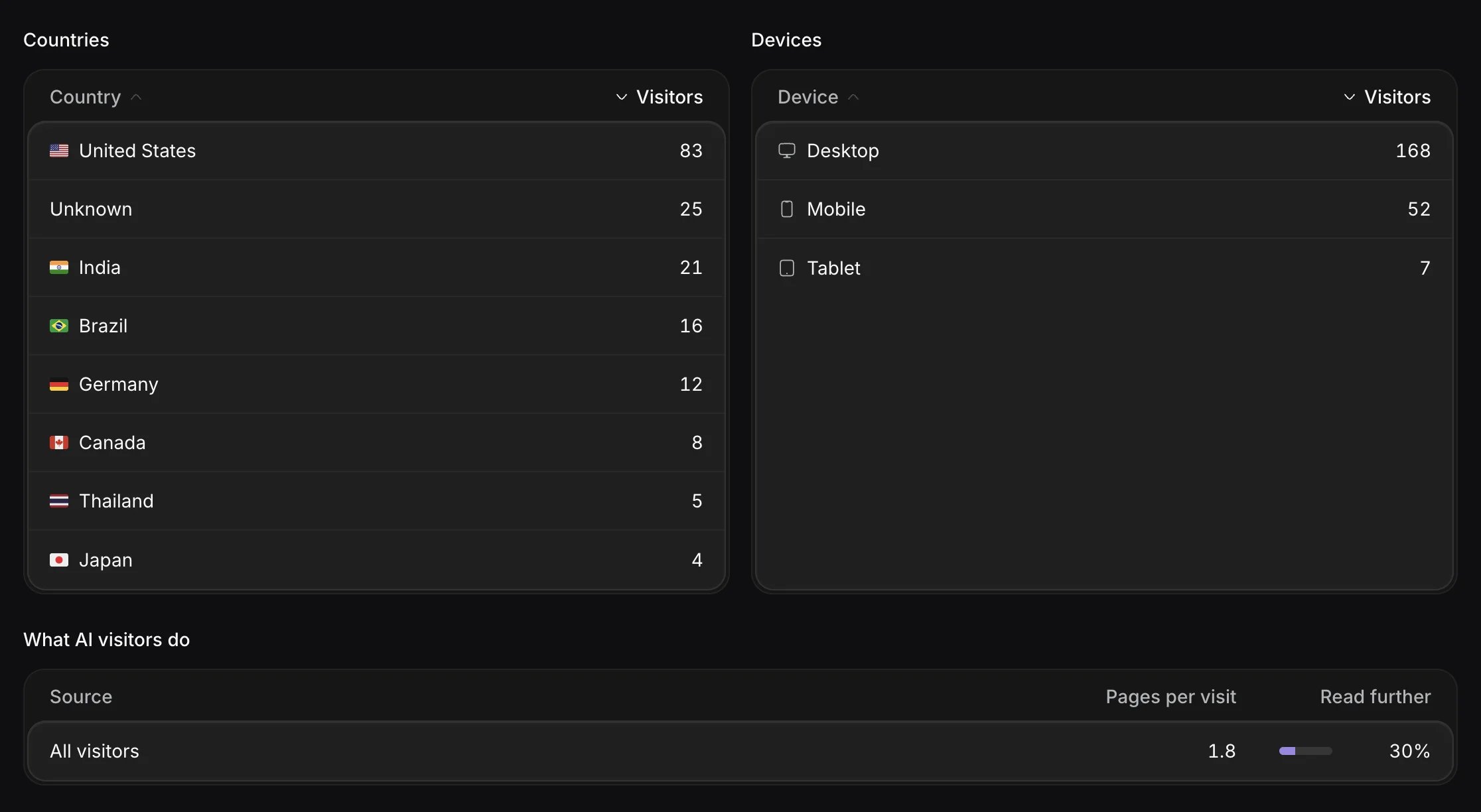
- Countries counts visitors per country, which Notra looks up on its own servers, and Unknown means the country couldn’t be determined.
- Devices splits visitors into Desktop, Mobile and Tablet. Unknown appears for imported days whose source didn’t record a device.
- What AI visitors do compares people who came from each AI assistant with All visitors. Pages per visit is the average number of pages in a session, and Read further is the share of sessions that opened at least two pages.
Outbound links, languages and performance
notra.js also reports a few things a server can’t see:
- Outbound links: clicks on links to other sites, by host and path, without query strings.
- Languages: visitors by their browser’s main language.
- Web vitals: how fast your pages load and respond for real visitors.
- JavaScript errors: uncaught errors, if you turned on Report JavaScript errors when you copied the script tag, and this card only appears when there are errors.
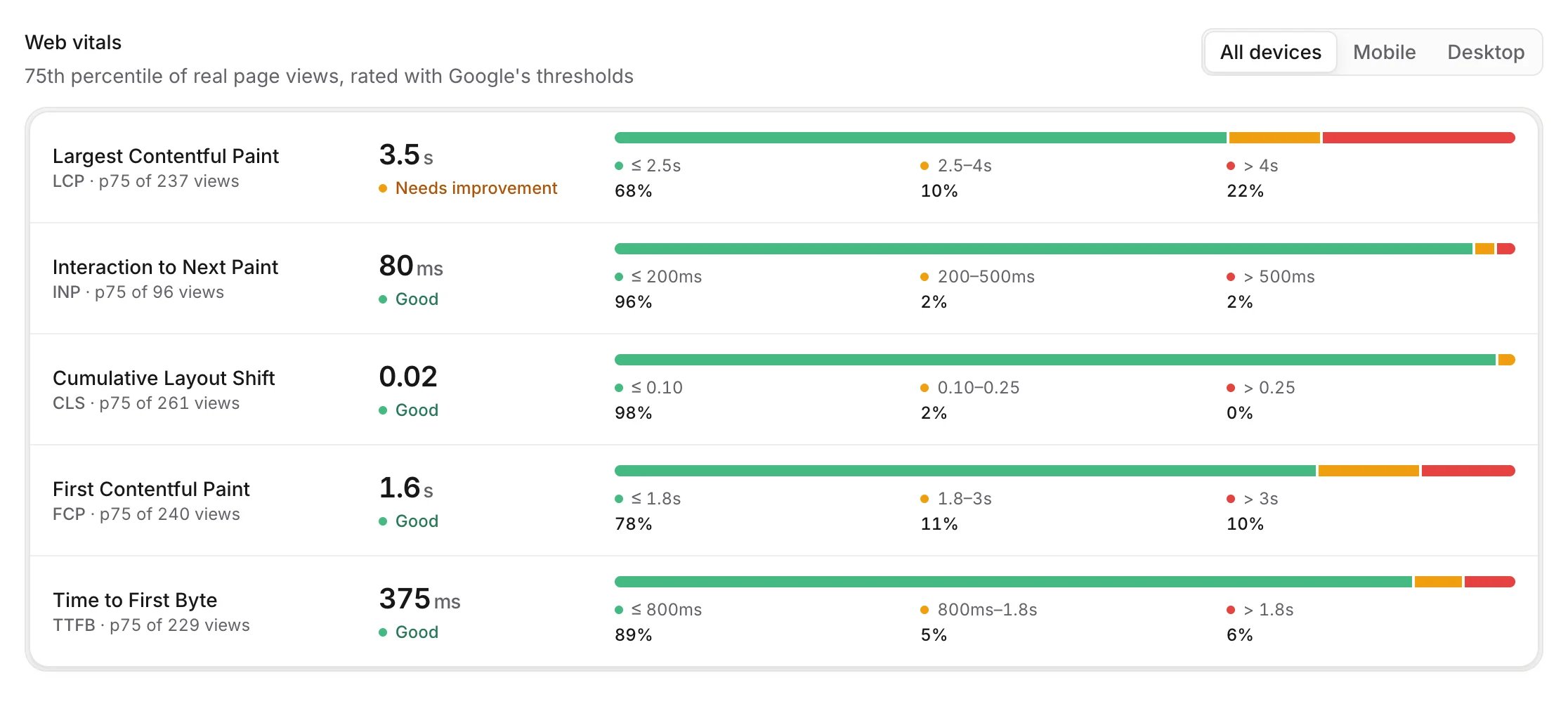
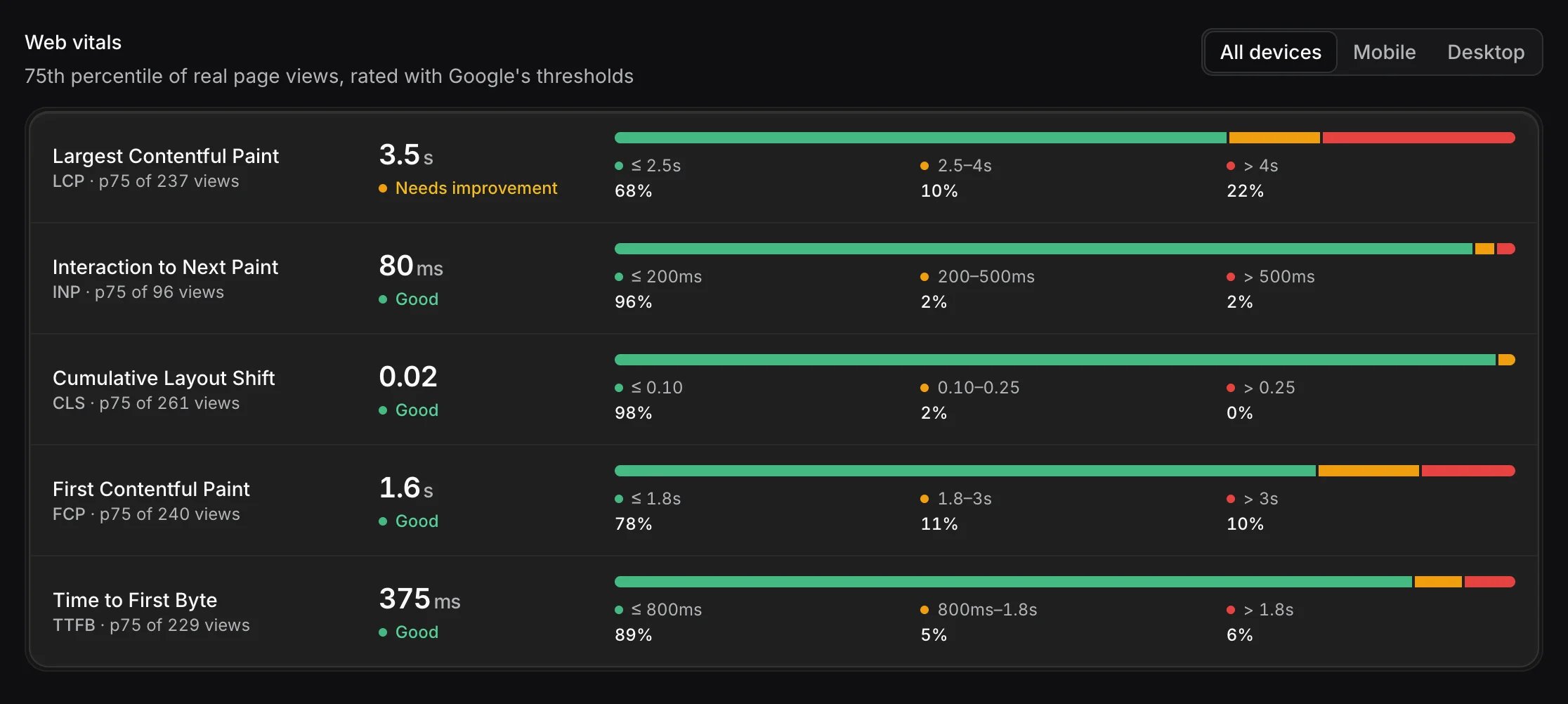
When both mobile and desktop visits have data, switch between All devices, Mobile and Desktop.
Export and share
- Download CSV saves one row per day with human page views, human visitors, AI crawler visits and AI referral visits for the selected range and page.
- Embed on your site puts live visitor charts on your own website. See Embed analytics.
How Notra counts
- Visitors are recognized by a hash of the IP address and user agent, salted with a random value that changes every day and is deleted after 48 hours. Notra never stores the IP address and can’t follow a visitor from one day to the next, so visitors over a range are the sum of each day’s unique visitors.
- Sessions end after 30 minutes without a page view. A visit that arrives from a different outside source, for example from Google after an earlier visit from ChatGPT, starts a new session.
- Left out: known bots, headless browsers, page-speed tools such as Lighthouse, prefetches, redirects and requests for files such as
robots.txt,sitemap.xmlorllms.txt. - Paths are stored with any segment that looks like an email address, a UUID, a number of four or more digits or a token replaced by
:id. - Numbers refresh on their own while the tab is open. Page views arrive in batches, so a new visit can take a few minutes to show up.
Notra Sites
Every Notra Site counts its visitors withnotra.js, served from the site itself, and its traffic appears on the Web tab together with your other domains. A Site’s own Analytics page shows the same numbers for that Site alone.
The same person on a Site and on your main domain counts as two visitors, because Notra recognizes visitors per Site.