

https://api.usenotra.com. Everything the dashboard can do with GEO tracking, content, schedules, chats, skills and agent feedback is available over HTTP, and the full contract is published as an OpenAPI 3.1 document at api.usenotra.com/openapi.json.
REST API
Call endpoints directly with
curl or fetch. Every endpoint group is available this way.TypeScript SDK
Use
@usenotra/sdk for typed requests and responses. Covers Content, Schedules, Event Triggers, Chats, Skills, Feedback and Agent endpoints.Quick Start
Base URL:/v1/..., and /v2/... for the Agent group). Requests authenticate with a bearer credential: either an API key from the dashboard or an OAuth access token from the Notra authorization server. The organization is inferred from the credential, so there is no organization segment in the URL.
Check that the API is reachable without a key:
Create an API key
1
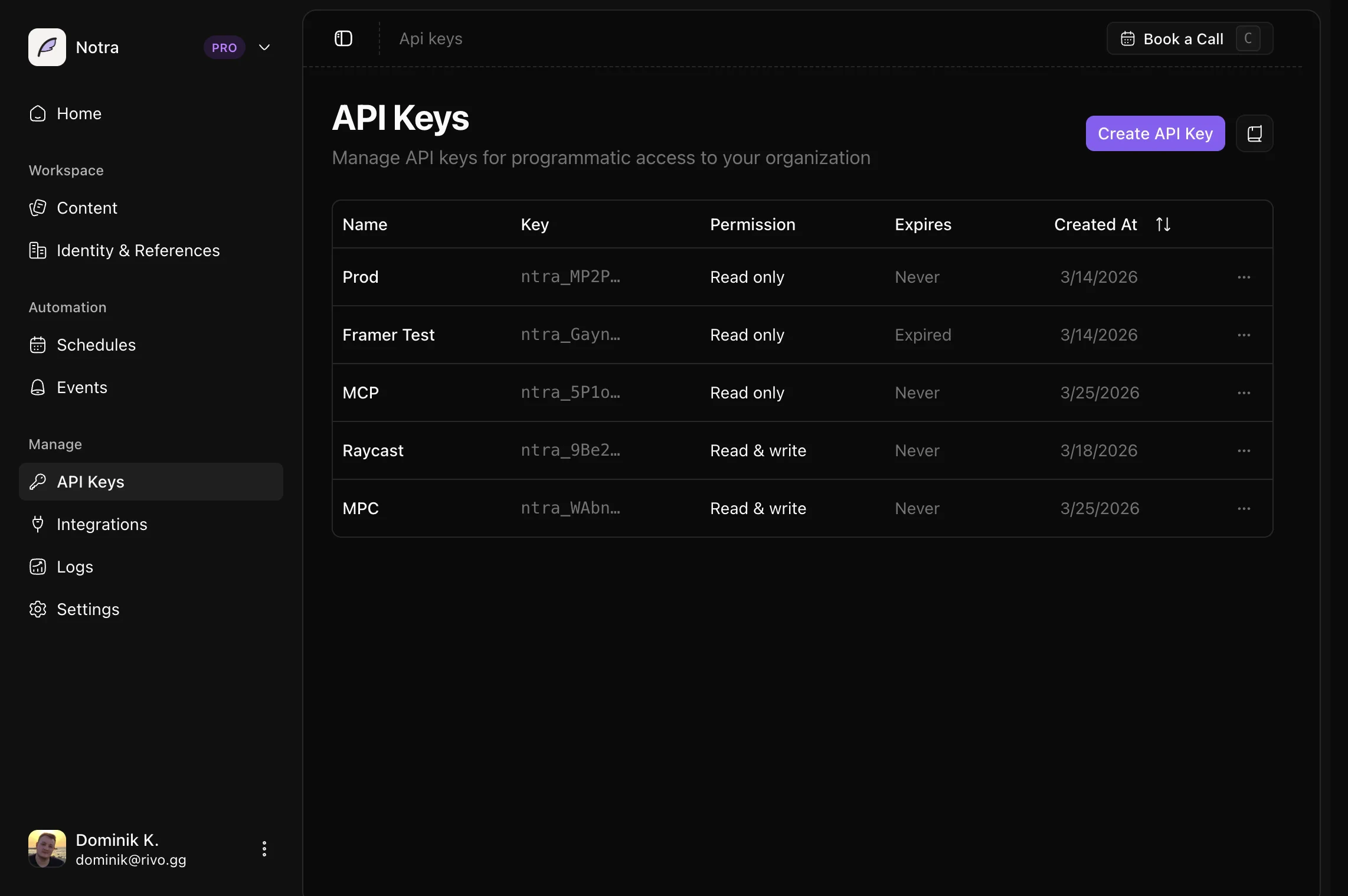
Open API Keys
In the dashboard, open API Keys at the bottom of the sidebar. The page lives at
app.usenotra.com/{org-slug}/api-keys.2
Click Create API Key
Pick a name, an expiration (no expiry, 7, 30, 60 or 90 days) and the permissions the key needs. Start from one of the presets (MCP Server, SDK, CLI) or choose Restricted to set read or write access per resource.
3
Copy the key
Keys start with
ntra_ and are shown once. Store the value in a server-side environment variable such as NOTRA_API_KEY.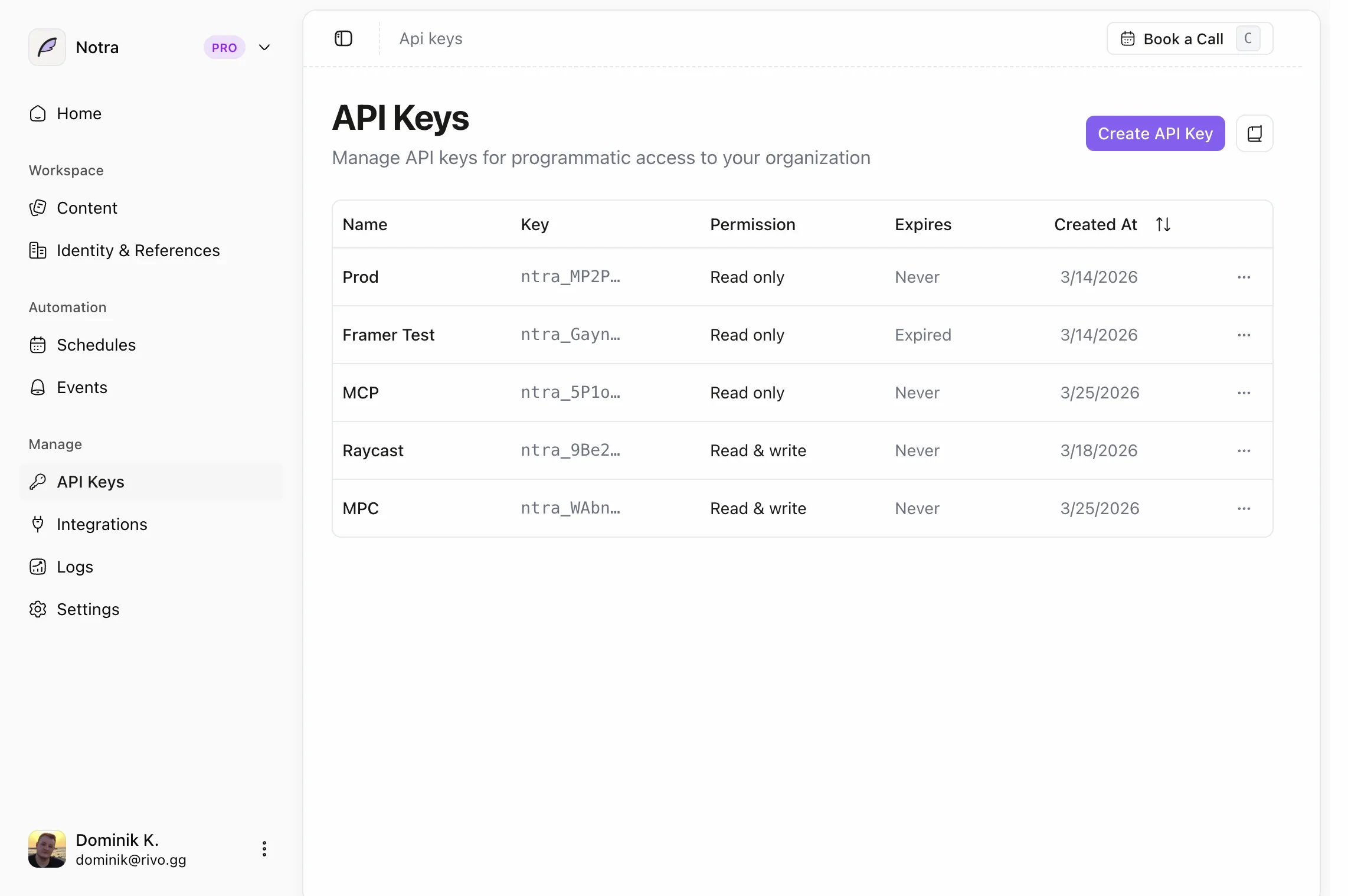
Building a CLI, MCP client or agent that acts for a signed-in user? Use OAuth instead of a pasted key: register a client, run the authorization code flow with PKCE (or the device flow on headless machines), and send the access token in the same
Authorization: Bearer header. The Notra MCP server accepts the same tokens. See OAuth.SDK Installation
notra.content, notra.schedules, notra.eventTriggers, notra.chats, notra.skills, notra.feedback and notra.agent. It is generated from the OpenAPI document and published at github.com/usenotra/typescript-sdk.
GEO endpoints (projects, prompts, competitors, scans, visibility, gaps, briefs, agent readiness, traffic) are not in the SDK yet. Call them with
fetch or generate a client from the OpenAPI document, see Generate a client.API groups
Discovery
GET /v1/status. Public reachability check plus the authentication discovery metadata agents use to find out how to get a credential.Content
Posts (list, get, update, delete, queue generation and poll its status), brand identities (list, generate, update, delete) and integrations (list, connect a GitHub repository, remove).
Schedules
Recurring content generation: list, create, update and delete schedules that turn repository activity into posts on a cadence.
Event Triggers
Event-based generation fired by GitHub webhooks: list, create, get, update and delete triggers.
Chats
Start a chat and stream the reply, continue an existing chat, list chats, or look a chat up by an external channel id.
Skills
Reusable writing skills, addressed by name: list, create, get, update and delete.
Feedback
Feedback submitted by AI agents. Agents post to your public feedback URL without credentials; list, get and triage entries with an API key. See Agent Feedback.
GEO
Generative engine optimization per project: settings, tracked prompts and prompt sequences, competitors, scans, visibility reads (mention rates, timeseries, share of voice), content gaps and briefs, agent readiness, AI traffic and the traffic ingest token. Requires a GEO plan.
Agent
Durable agent sessions under
/v2: start a session, send follow-up messages or answer input requests, stream session events, and list sessions.Responses and errors
Successful responses are JSON. List and detail responses in the Content and GEO groups also include anorganization object (id, slug, name, logo) describing the organization the key belongs to.
Errors are JSON with an error message. Authentication failures add a machine-readable code and a recovery hint:
Next Steps
Authentication
API keys, OAuth, scopes and the exact error envelope.
Common Tasks
Copy-paste examples for posts, generation jobs and GEO reads.
Pagination
Page through posts, feedback and scan history.
TypeScript Types
Types and Zod schemas for the post endpoints.