

How it helps
GEO tracking shows you which questions AI engines answer without mentioning you. Getting into those answers takes a post for each question a competitor owns, updates to pages engines stop citing, and anllms.txt and structured data that agents can read. Most teams know what to do and rarely get to it. Autopilot does this work every day, starting from your own data.
Posts start from demand. Autopilot writes for a prompt engines answer without you, or a search where you show up but don’t win, and each post targets one question. The post’s page in Notra then shows whether your share of answers moved. Shipped features become posts too, once people ask about the topic.
It also looks after what you already have. When engines cite a page half as often as last month, Autopilot edits that page against what they cite now. When your readiness scan finds a missing llms.txt or AI crawler rules, or content that only renders with JavaScript, it fixes that in your repository.
The longer it runs, the closer its drafts get to what you would write. Close a draft with “we don’t write about pricing” and it stops suggesting pricing posts. Change the headings in two drafts the same way and the next draft follows. See How Autopilot learns.
How a day goes
1
Autopilot runs at your hour
At the hour you pick (09:00 by default, in your timezone), Autopilot reads your data and runs every automation that is on. If one fails, the others still run.
2
It opens draft pull requests
Work with enough evidence becomes a draft pull request on a branch that starts with
notra/autopilot/. A post it isn’t sure about is saved as an idea for you to write or drop.3
You get the daily brief
The brief in Slack starts with the item to look at first, then lists what’s waiting on you, what merged since the last brief and anything worth knowing. React 👍 to merge a pull request or 👎 to close it.
4
You review it, change it or let it publish
Read the post on its Autopilot page, ask for changes in a sentence, merge it or close it with a reason. With approvals on Auto, Autopilot publishes later pull requests itself at 09:00 on the first weekday at least 24 hours away, unless someone steps in.
What it works on
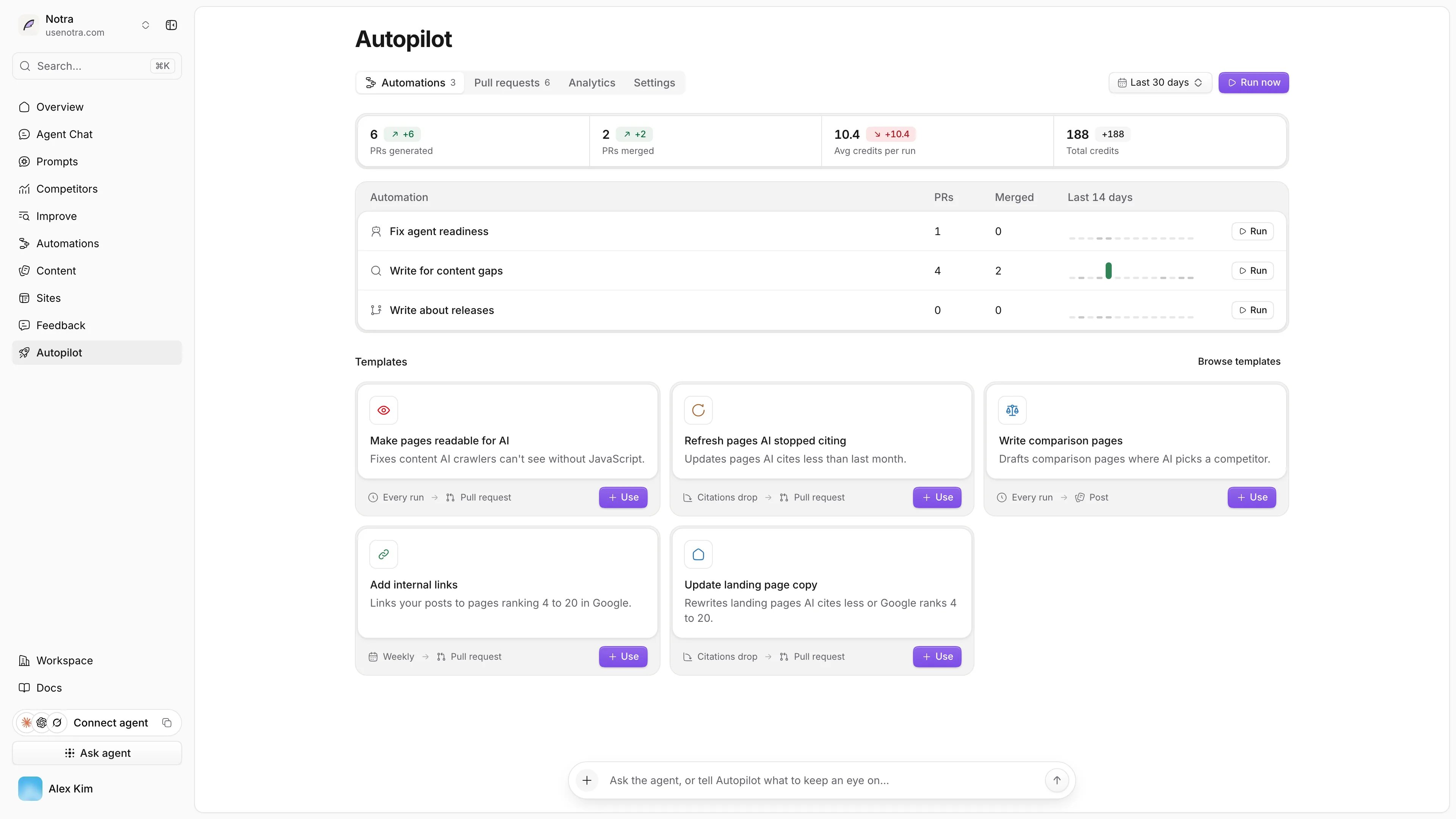
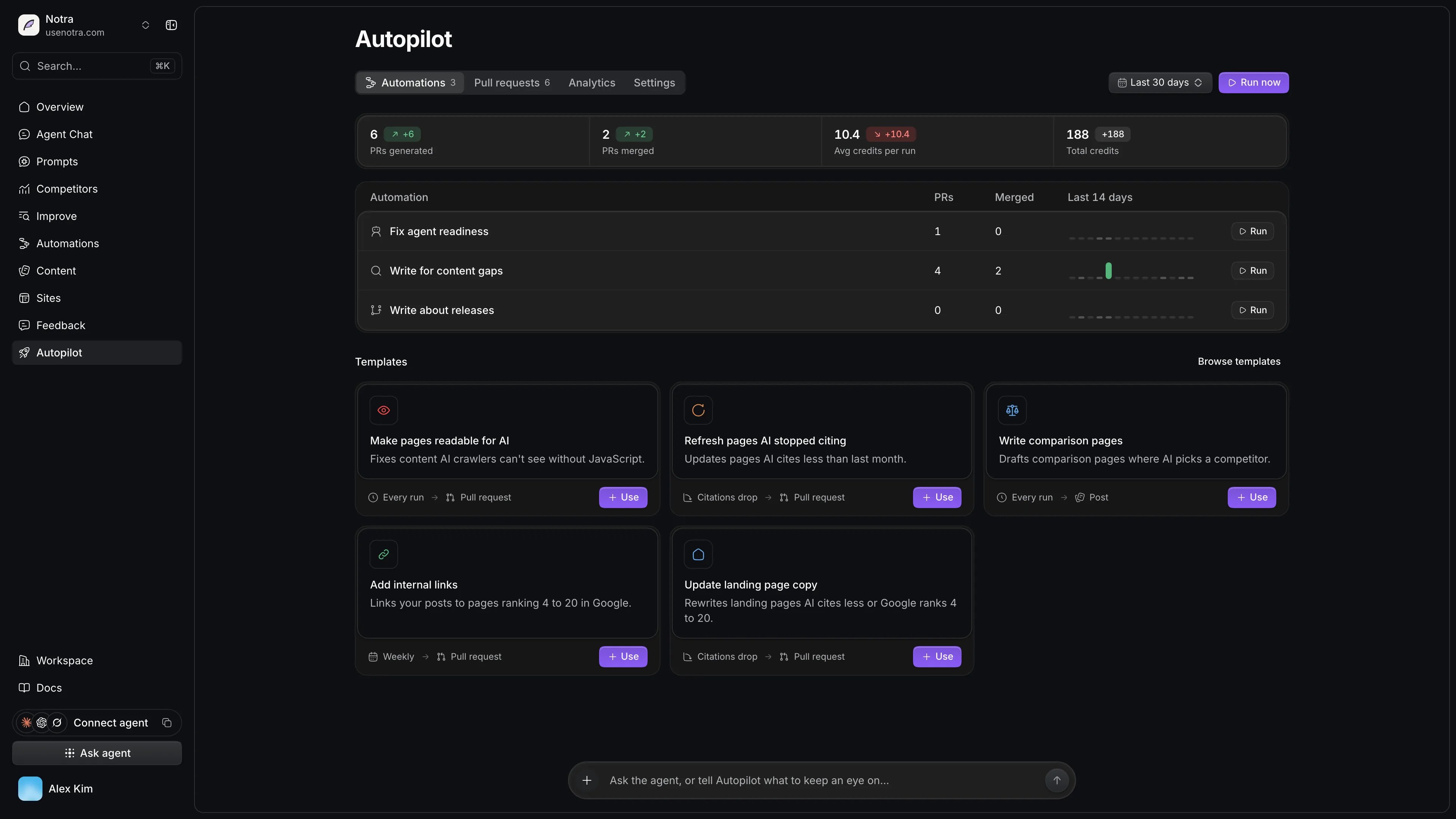
Autopilot has eight built-in automations, and a first setup turns all of them on. They fix agent readiness and pages AI crawlers can’t read, write posts for content gaps, comparison pages and releases, and keep existing pages current with refreshes, internal links and landing page copy. For anything else you want watched, like a competitor passing you in AI answers, describe it in the agent dock and Autopilot builds a workflow.What stays in your hands
Autopilot never commits to your default branch. A change is merged when you merge it, when you react 👍 in Slack, or when its approval group is set to Auto. Even on Auto, the first pull request of each group (new posts, page updates, readiness fixes) waits for a person, and so does anything with unsourced claims or files outside your content folder. Facts in posts come from your pages, your brand identity, the evidence Autopilot collected and the pages it read while writing. Claims without a source are flagged in the pull request for you to check. Autopilot doesn’t changepackage.json, lockfiles, environment files or CI, and it doesn’t add dependencies. It keeps at most three of its own pull requests open and closes drafts nobody touched after 14 days. See Review and publish.
Where to find it
Switch the sidebar to Studio and open Autopilot. The Automations tab shows the automations that are on and templates you haven’t added, Pull requests lists what Autopilot opened, Analytics shows how much of it you merged, and Settings holds where it publishes, the brief, approvals and what to ignore. The agent dock at the bottom answers questions about runs and automations.Only workspace owners and admins can set up, run and change Autopilot. Members can see its pull requests, analytics and runs. If Autopilot isn’t in your sidebar, it isn’t available for your workspace yet. Contact us to get access.
What it costs
You pay when Autopilot opens a pull request, or changes one because you asked. Each costs what its model calls cost, taken from your plan’s pull request credits first and then from AI credits. Planning, rescans, measuring results and the brief are free, so a day with nothing to change costs nothing. See Limits and credits.Next steps
Set up Autopilot
Connect your repository and Slack and start the first run.
Grow with Autopilot
Which automations to turn on for your goal, and a weekly routine.
How a run works
The order of a run and how Autopilot decides what to write.
Review and publish
Merge, ask for changes, close and let reviewed work publish.