

The pull requests list
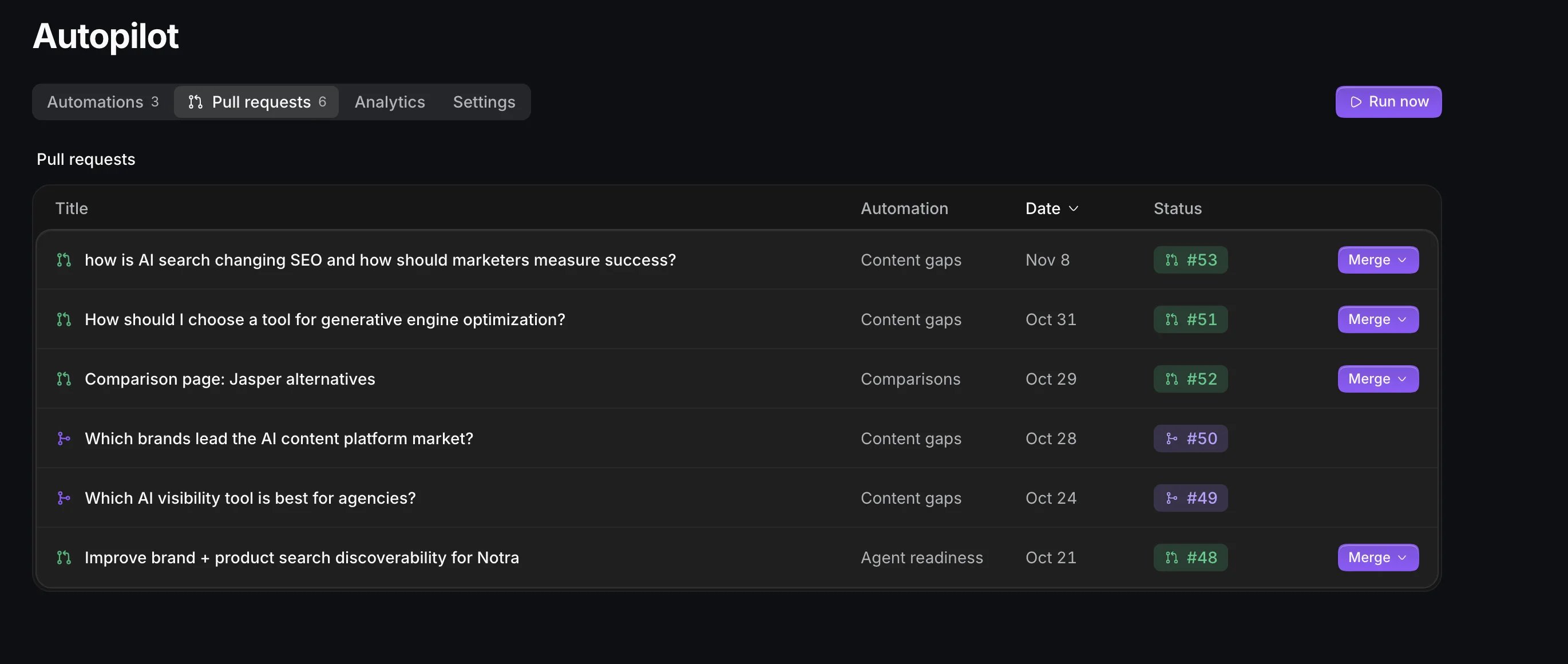
The Pull requests tab lists every pull request Autopilot opened with the automation that opened it, the date and its status on GitHub. Open pull requests have a Merge menu right in the row. Below it, Open ideas lists the posts Autopilot didn’t open on its own, marked “Waiting for you”.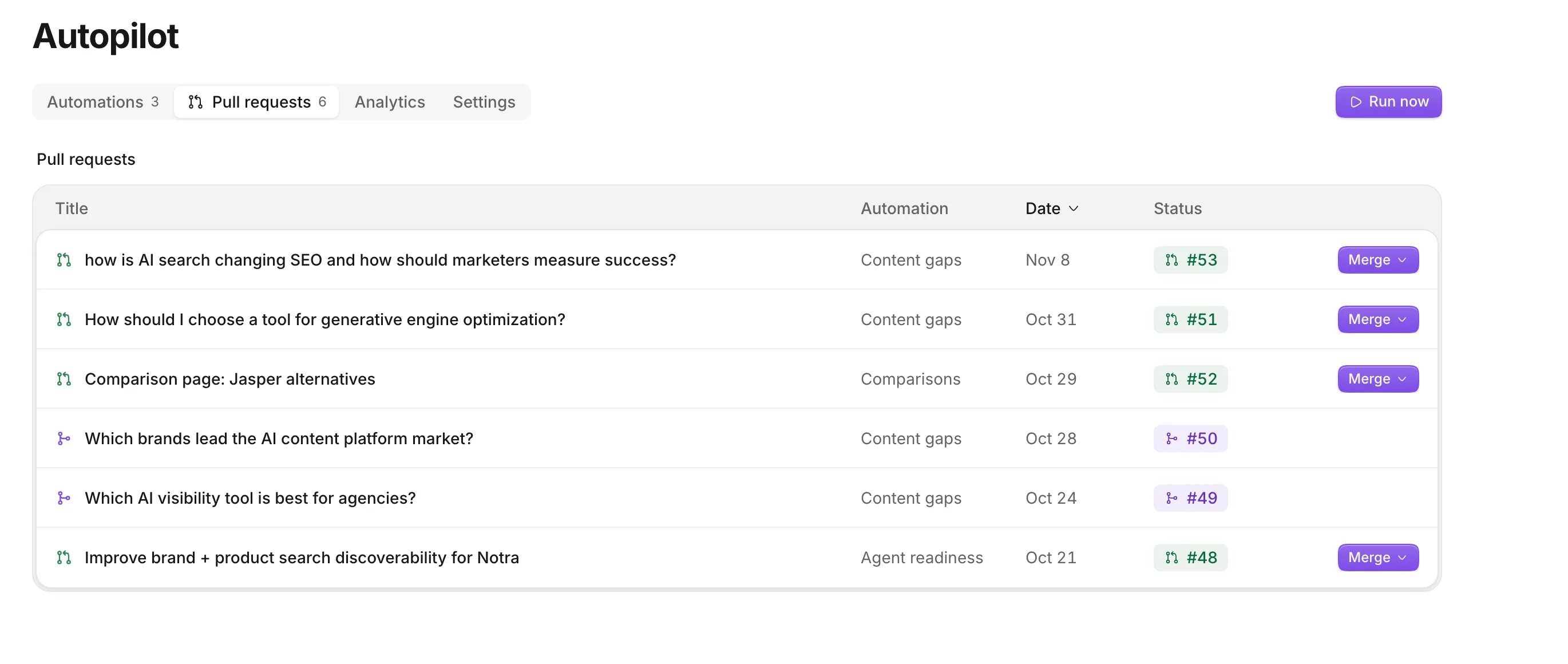
Read a draft
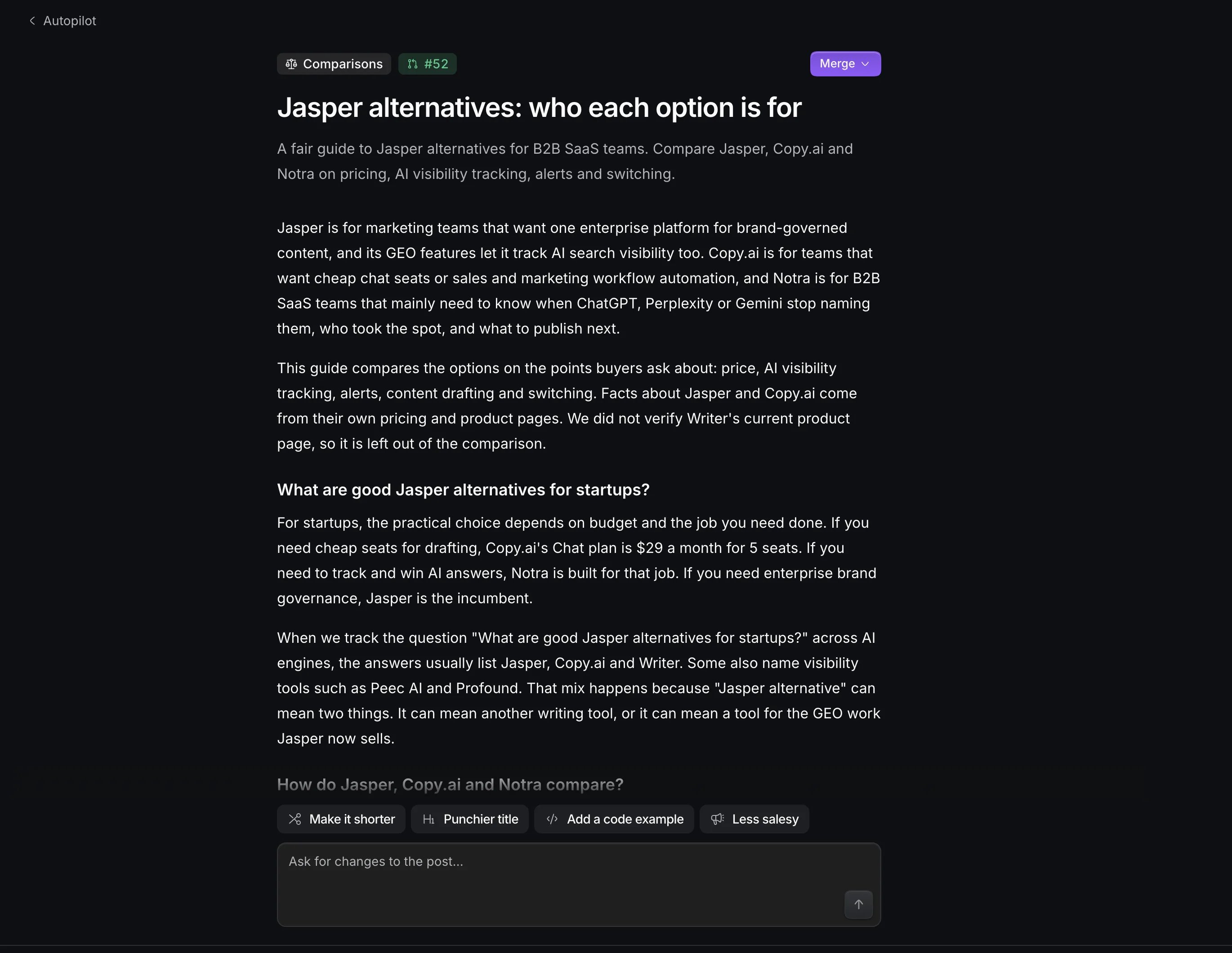
Open a pull request to see its page. A post leads with the post itself, rendered as it will read on your site.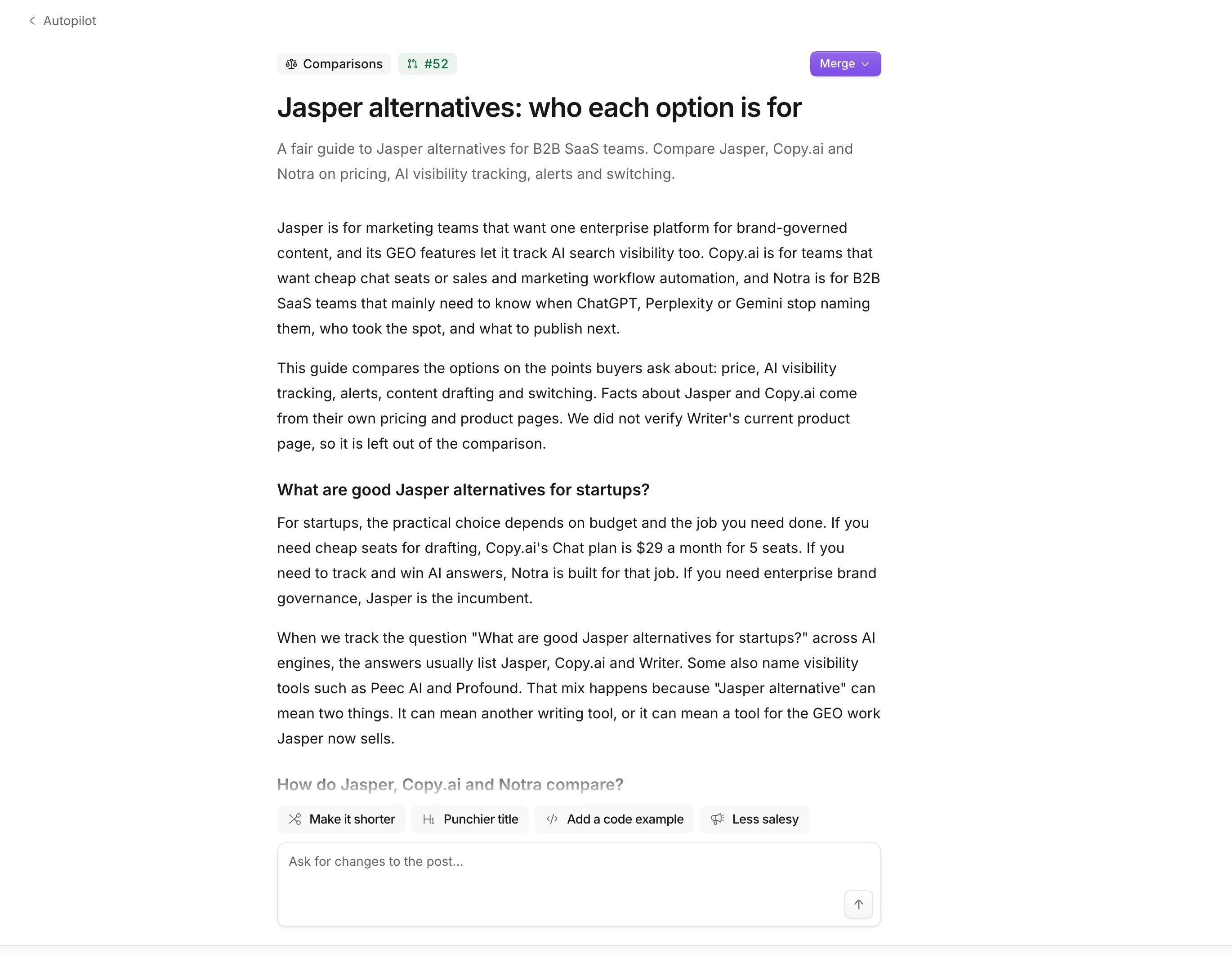
- Show changes marks what the latest commit changed, word by word, with removed paragraphs struck through.
- Why Autopilot wrote this lists the status, a Preview link when your site builds previews (like Notra Sites previews), how confident Autopilot was and Before → now, the number this pull request is meant to move. See Measure results.
- The pull request on GitHub has the evidence, the sources and, for claims that need one, a fact check.
Ask for changes
Type what you want into Ask for changes to the post…, or tap Make it shorter, Punchier title, Add a code example or Less salesy. Autopilot comments your request on the pull request (“Requested by Alex from Notra: …”), rewrites the post and commits to its branch. You see it work (“Reading the post”, “Rewriting the post”, “Checking the links”, “Committing to the branch”) and then the commit with a note on what changed. Only owners and admins can ask for changes, on open Autopilot pull requests, one request at a time. You can also comment@notra … on the pull request on GitHub or edit the branch yourself. Autopilot learns your style from the edits people make before merging, see How Autopilot learns.
Merge
Press Merge and pick Squash and merge, Create a merge commit or Rebase and merge. If your repository doesn’t allow the one you pick, Notra says so and you pick another. The merge is pinned to the version you’re looking at: if the pull request changed since you opened it, Notra asks you to read the new version first. After the merge, Autopilot deletes its branch. You can also merge on GitHub, with 👍 on the item in Slack, or by telling the Notra agent in Slack “merge it”. Merges and closes on GitHub sync back to Autopilot.Close with a reason
Pick Close pull request in the Merge menu, or press Close on a scheduled pull request or an idea. Autopilot closes the pull request, deletes its branch and won’t suggest the same thing again. Add a reason in Why? and Autopilot remembers it for similar posts. When the reason states a lasting preference, like “we never write about pricing”, Autopilot turns it into a rule and says so:Closed. Autopilot will remember: "Never suggest posts about pricing". “Not this one” stays a one-time no.
Some closed items can come back later when the evidence is still there:
Write an idea
An idea is a post Autopilot found but didn’t open on its own. Press Write now on its page or Write it in the brief, react 👍 in Slack. For an idea that came from a pull request, you can also reply@notra write a post there. Autopilot writes it and opens the pull request, charging credits as usual. Ideas you ask for don’t count toward the weekly budget of automatic posts.
Approvals
Settings → Approvals decides what publishes without asking first. Each group is Ask or Auto: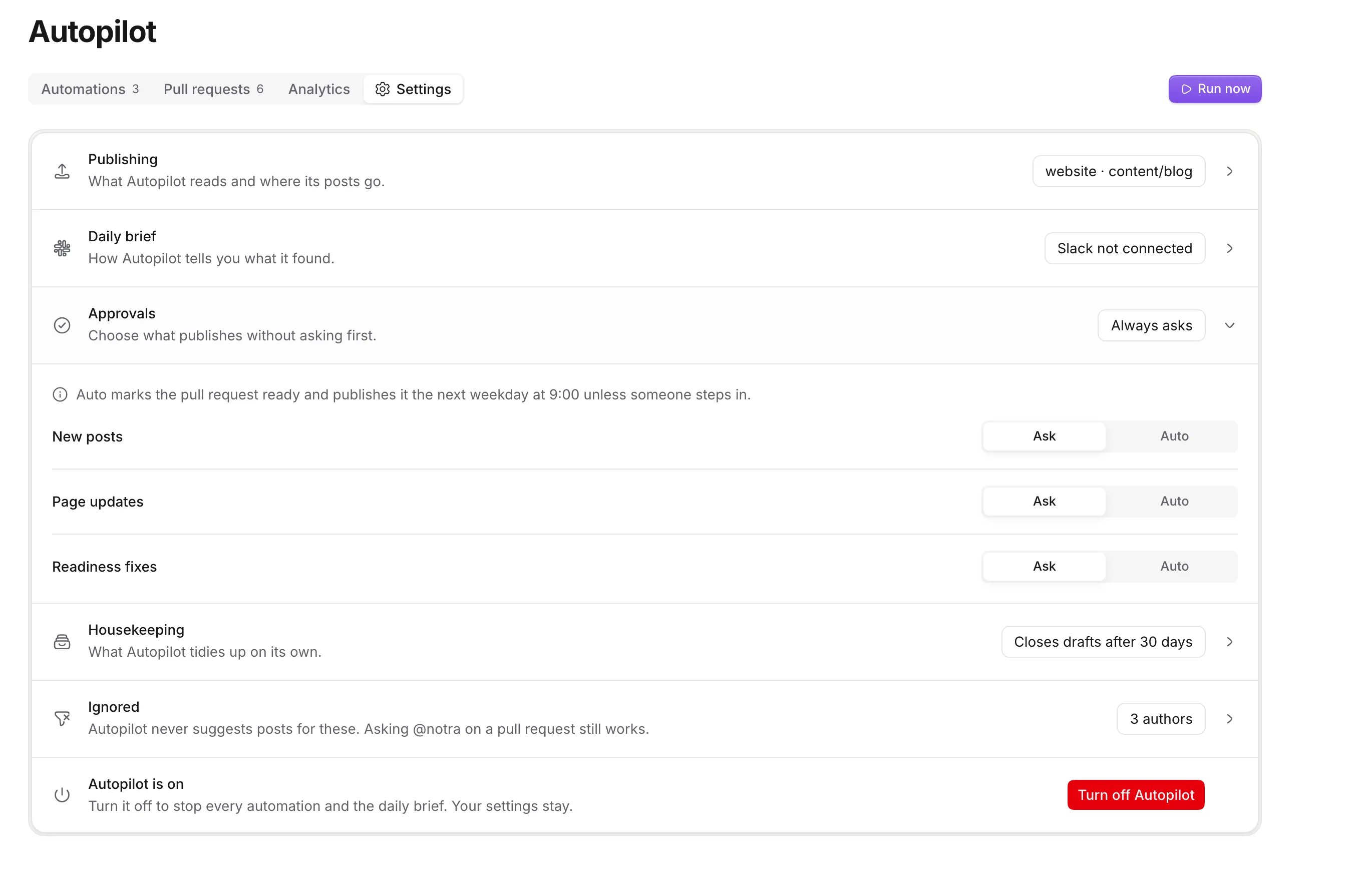
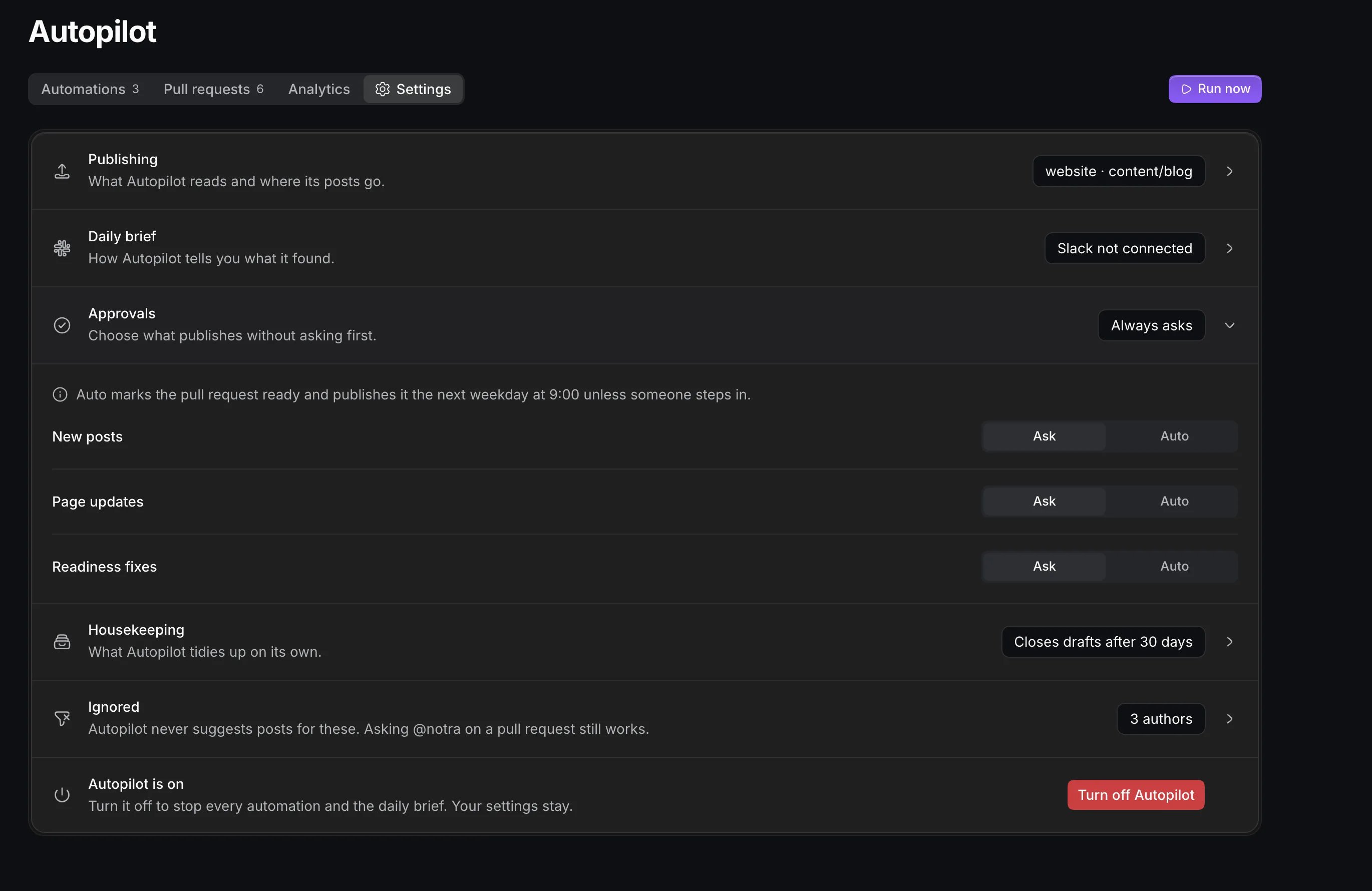
- Ask: nothing publishes until a person merges it. The pull request stays a draft, except that a release post is marked ready for review once its feature merges.
- Auto: Autopilot marks the pull request ready for review and publishes it at 09:00 in your timezone on the first weekday at least 24 hours later, unless someone steps in. The pull request shows “Publishes Tue 09:00” in the list, on its page and in the brief.
What makes Auto wait
On Auto, a pull request still waits for a person in these cases, and the log says “Waits for you: …”:
Before it merges, Autopilot checks GitHub again. A scheduled publish is cancelled when the pull request was closed or converted to a draft, its base branch changed, someone else pushed commits, someone commented or requested changes, it has a merge conflict, its checks failed or are still pending seven days after it opened, or branch protection needs a review. Holds a person caused stay until a person acts. Holds that clear on their own (a failed check that passes later, a merge conflict that’s resolved) are checked again every hour and the pull request is rescheduled.
Step in
A scheduled pull request’s page has Publish now, which merges it right away, Hold and Close. Hold cancels the schedule for good, so merge the pull request yourself when it’s ready, or close it. Commenting on the pull request, pushing to its branch or requesting changes on GitHub also cancels the schedule. Switching a group to Ask or turning Autopilot off cancels every scheduled publish in it. Switching back to Auto or turning Autopilot on again reschedules them within the hour. Since nobody approved them, merges Autopilot publishes on its own don’t teach it anything about your taste, and they don’t raise the weekly budget of automatic posts.Reviewers and draft emails
Under Settings → Publishing → Reviewers, add up to 10 GitHub logins or teams, and GitHub asks them to review every draft Autopilot opens. Teams must belong to the repository’s organization. A post about a feature also asks the feature’s authors to review. Workspace owners get an email for each new draft (“Draft to review: …”) when Autopilot has no Slack channel. Set Settings → Daily brief → Email drafts to owners to Always to get the emails as well as Slack. An owner can turn these emails off for the whole workspace under Settings → Notifications → Drafts to review.Housekeeping
Autopilot closes its own drafts that nobody worked on. Under Settings → Housekeeping → Close untouched drafts, pick 7, 14 (the default) or 30 days, or Never. A draft counts as worked on when a person reviewed, commented, pushed, marked it ready or reopened it in that time, and an approving review or a person marking it ready keeps it open for good. A post about a feature counts its age from the feature’s merge, so it stays open while the feature is still in progress. When Autopilot closes a draft, it comments: “Closed this draft because nobody worked on it for 14 days. Reopen it if you still want it; Notra doesn’t count this as a no.” If you reopen it on GitHub within 30 days, it counts as a draft again.Related
Daily brief
Review everything new in one place each morning.
Settings
Every Autopilot setting and its default.