

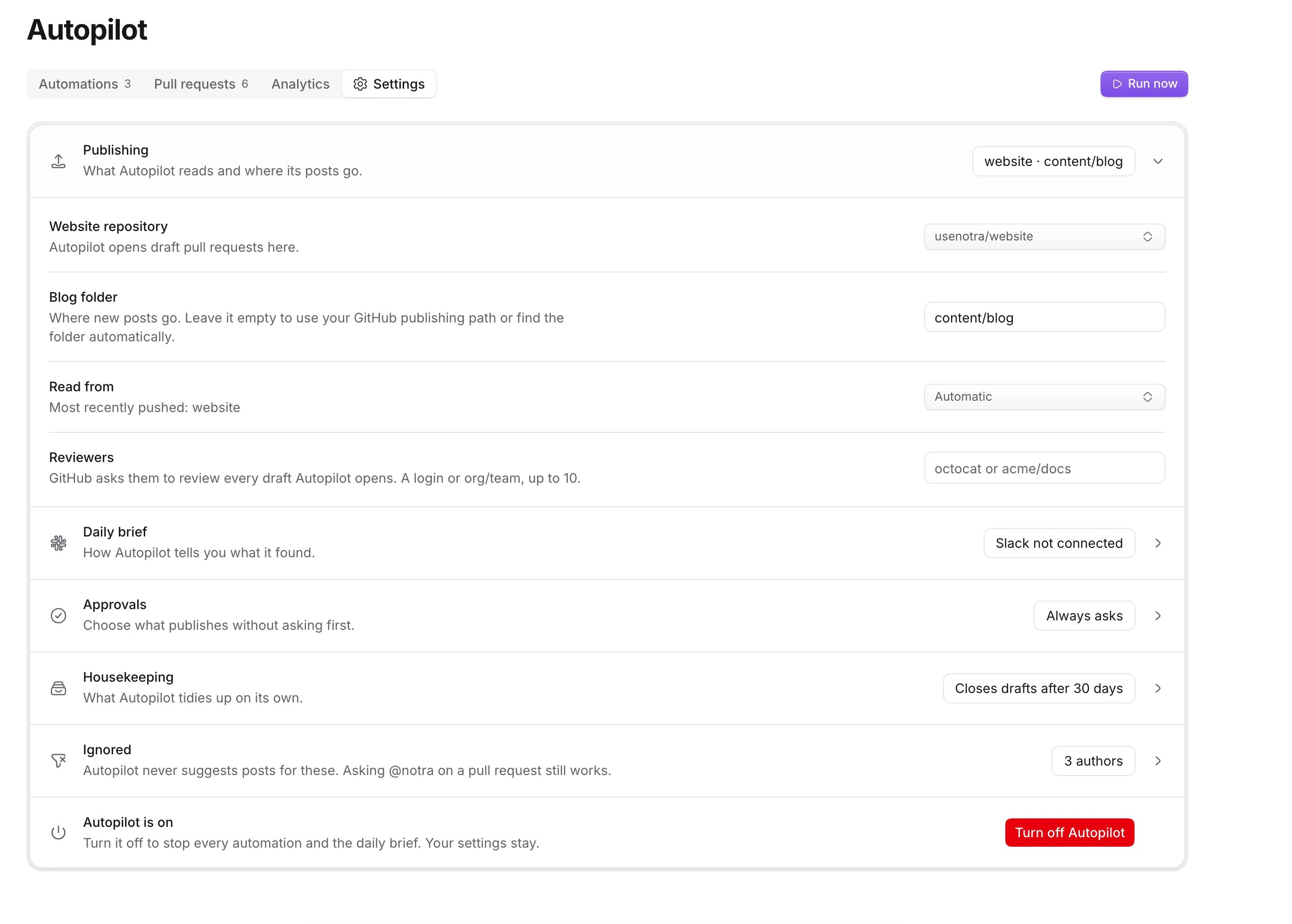
Publishing
What Autopilot reads and where its posts go.Daily brief
How Autopilot tells you what it found. See Daily brief.
The timezone is saved from your browser at setup. To change it, ask the Notra agent in Slack.
Approvals
Choose what publishes without asking first. Each group is Ask or Auto: New posts, Page updates and Readiness fixes. Auto marks the pull request ready and publishes it at 09:00 on the first weekday at least 24 hours later, unless someone steps in. A first setup sets all three to Auto. See Approvals.Housekeeping
What Autopilot tidies up on its own.Ignored
Autopilot never suggests posts for these. Asking@notra on a pull request still works.
Skip authors and path limits apply only to Write about releases. Topics to skip apply to posts, comparison pages, page refreshes and landing copy. Readiness fixes, AI-readable fixes and internal links don’t read them.
Turn off Autopilot
Turn off Autopilot stops the built-in automations and the daily brief, and cancels scheduled publishes. Workflows keep their own schedules, so pause them separately. Your settings, pull requests and memory stay. The Autopilot page shows the setup again, filled in, with Turn on Autopilot. To pause a single automation instead, turn it off on the Automations tab.Not in the dashboard
Related
Limits and credits
Cooldowns, caps and what Autopilot costs.
Control from Slack
Change settings by asking the Notra agent.