

/geo/gaps) is subtitled “Questions engines answer without mentioning you”. It has two gap types, which you switch with the Gap type control, along with a text filter and an All engines filter. Results update after a GEO scan, a Search Console sync or a change to a gap or tracked prompt. A background job also refreshes older results so answers outside the rolling 30-day window expire without recalculating on page load.
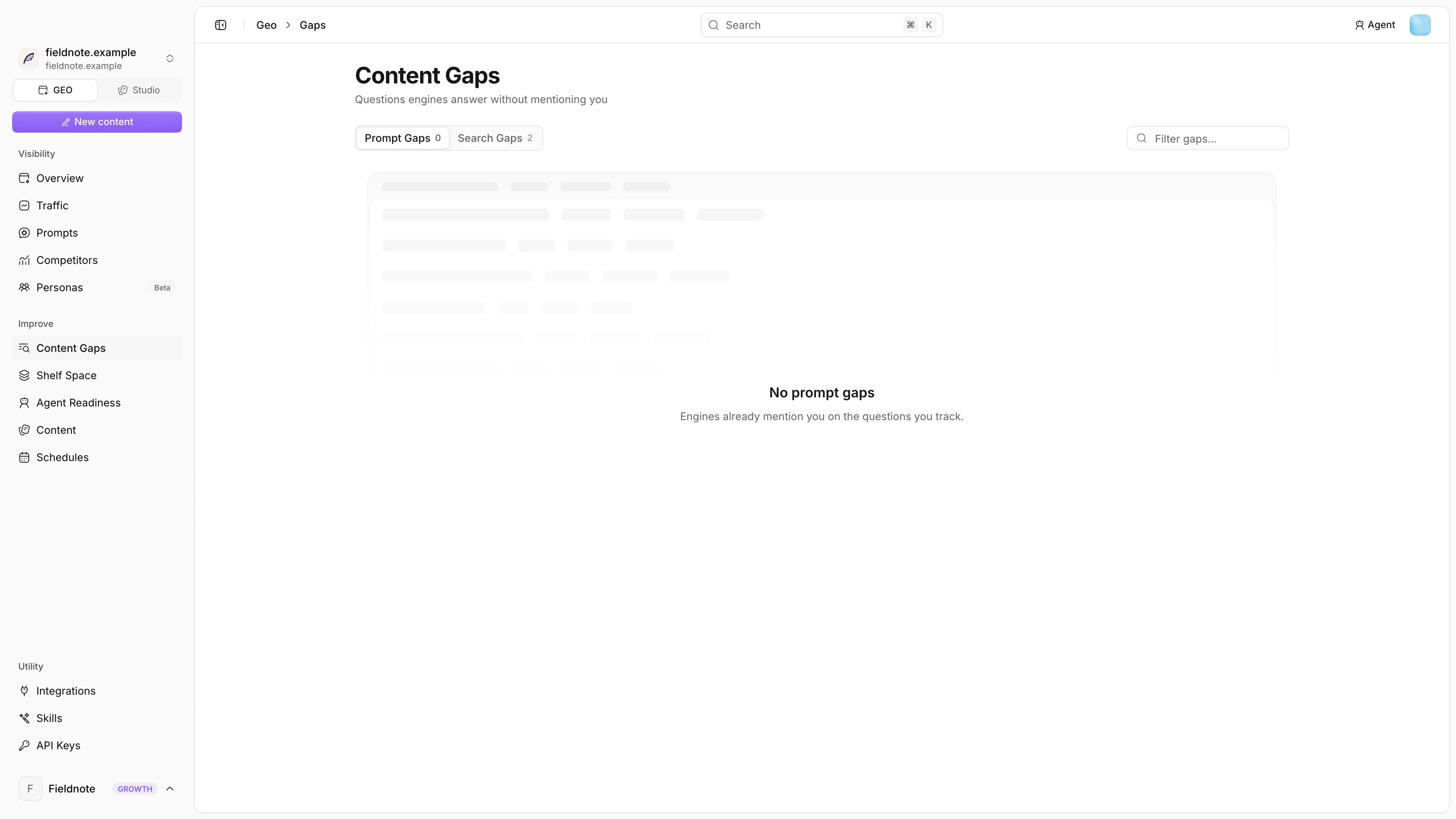
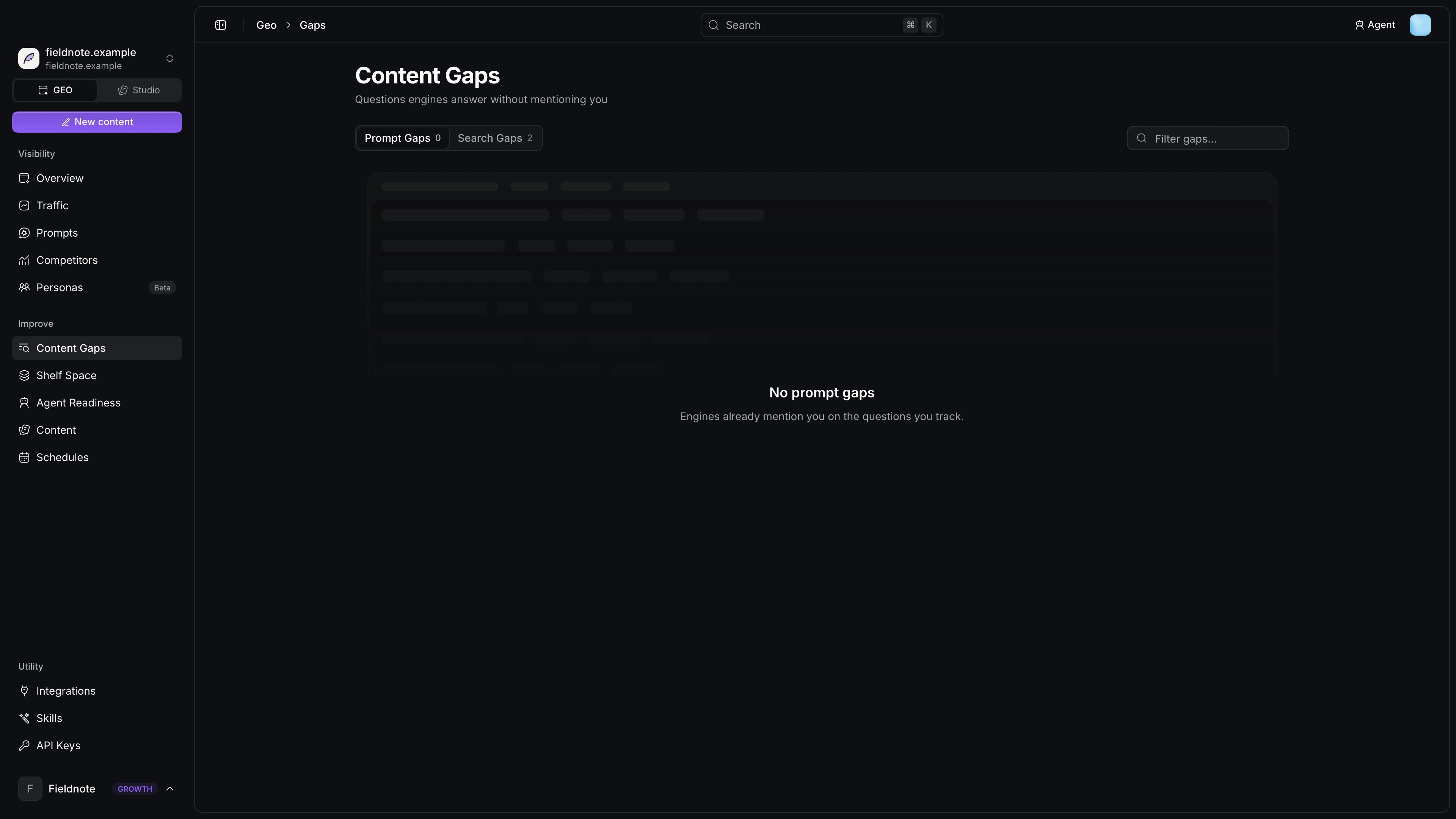
Prompt gaps
A prompt gap is a tracked prompt where competitors are mentioned and your brand is absent. Notra computes it from the latest answer per prompt and engine over the last 30 days (first turn only, up to 400 checks):- For each prompt, count the checks where you were mentioned and the engines where you were missing.
- The prompt is a gap when you were missing from at least half of the engines that answered it.
- The Brand mentions column lists the tracked competitors named in those answers. Notra counts only competitors you track (by name or synonym), so keep the competitor list complete.
- The Opportunity score is
(1 - ownMentionRate) * competitorCount * engineCoverage, whereengineCoverageis the number of engines that answered. The table sorts gaps by opportunity, highest first, and shows the score as a five-step meter.
Search gaps
A search gap comes from either a Google Search Console query suggestion or a web search an AI engine ran while answering a tracked prompt. Both appear in one Search Gaps table, and a query that matches both shares one row with both signals. Console suggestions show Google impressions and a suggested action, while AI searches show the number of uncovered scan answers and the engines that searched. Notra excludes AI searches from answers that mention your brand or cite your own site. Connect Search Console on the Prompts page to add its suggestions.Empty states
- No scan yet: the project has no scan results, so press Run scan.
- No prompt gaps: “Engines already mention you on the questions you track.”
- Scanning engines: gaps appear once the running scan finishes.
Write an article for a gap
Plan a brief and let the GEO writer draft it.