

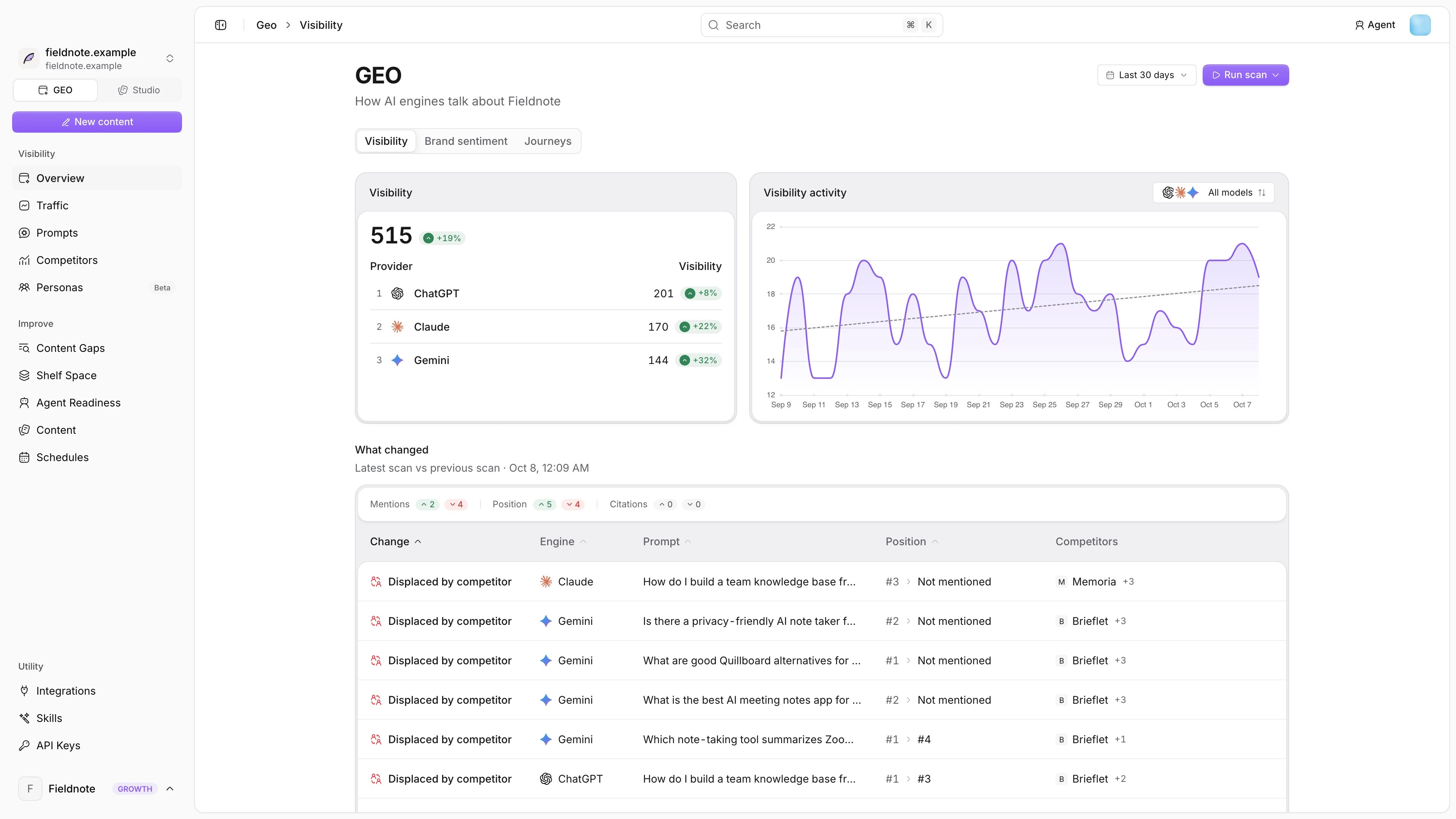
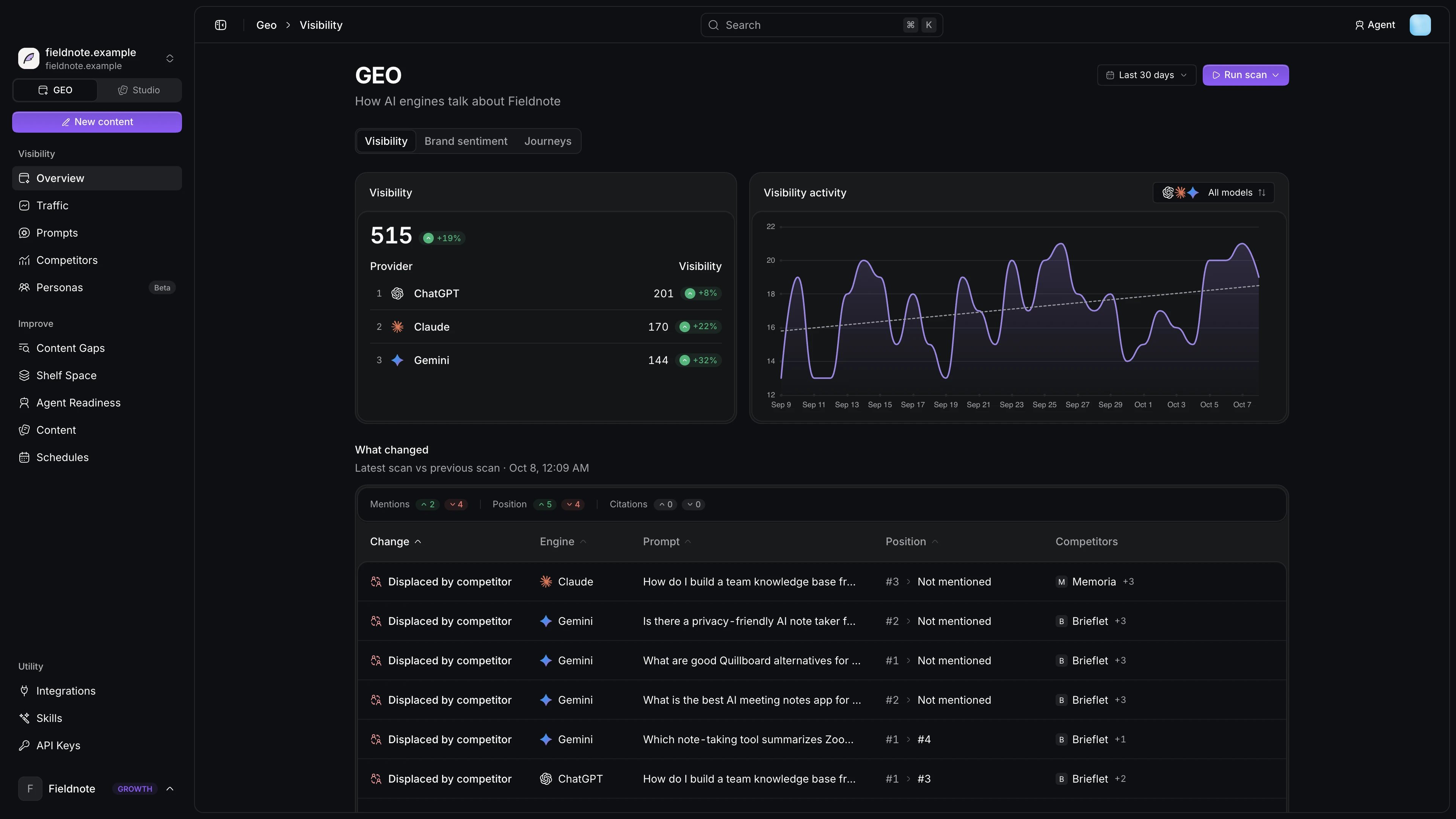
Visibility
Improve
GEO settings (brand, languages and models) open from the settings menu, and the pages for them are Brand and domains, Engines and Languages.
Studio
Studio turns what you ship into changelogs, blog posts and social posts. It has Content, Chat, Brand Identity, Social analytics, Automation and Integrations, plus the agent Feedback inbox.Learn the metrics
Mention rate
How often engines name you.
Share of voice
Your mentions against competitors.
Position
Where in the answer you appear.
Sentiment
How engines talk about you.
Citations
Which pages engines read and cite.
Opportunity
Which gaps to close first.
Build on Notra
API
Read visibility and traffic, manage prompts and competitors and trigger scans.
MCP server
Let Claude, ChatGPT or Cursor work with your GEO data.